Pay by code, QR or link. Confirm it yourself.
Enter a 6‑digit code, scan a QR or open a link. Read every detail, then slide to pay.
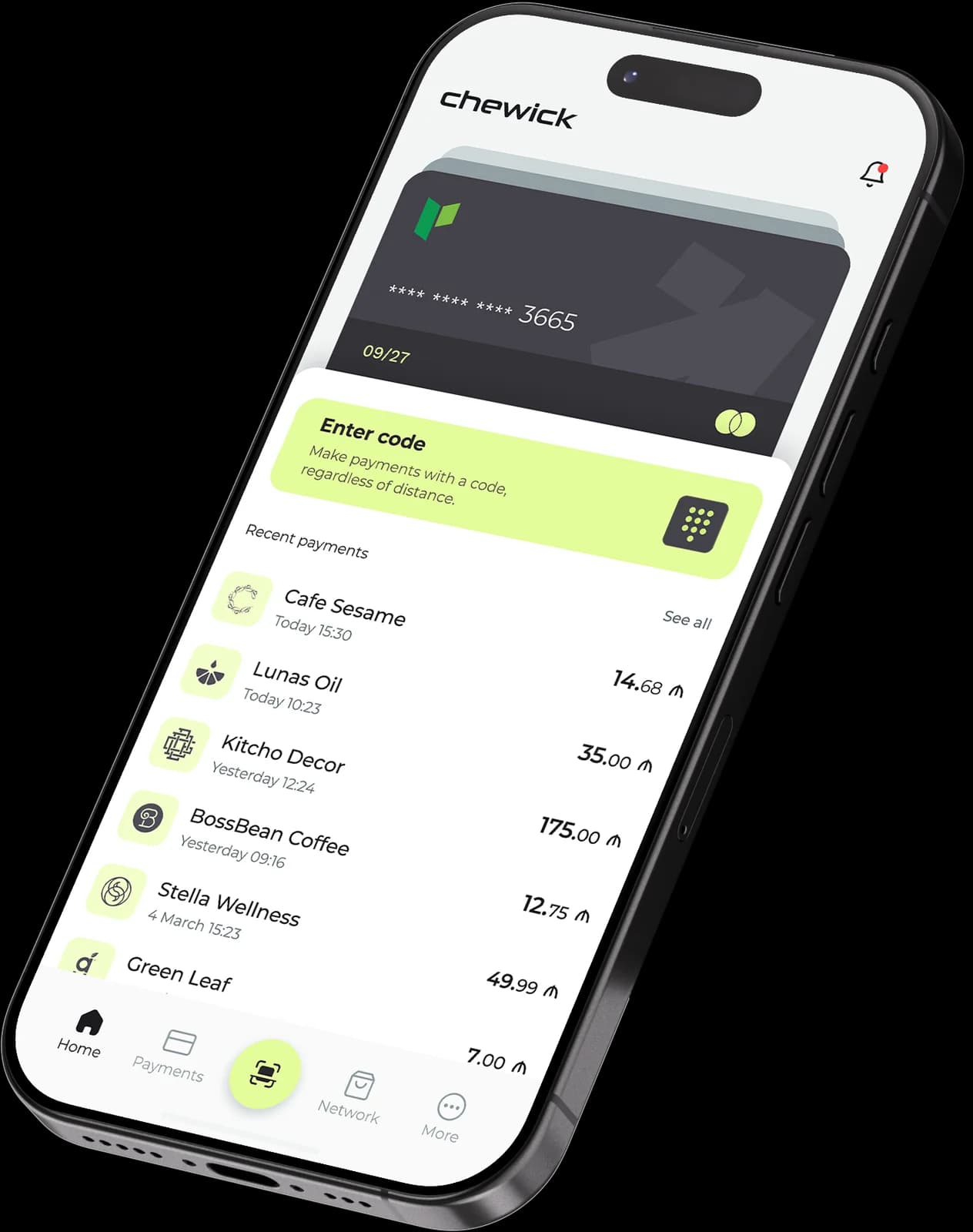
Three moves, every time
Open
Scan the QR, type the code, follow the link or tap the notification.
546455Read
The business, the items and the total. The card you will pay with.
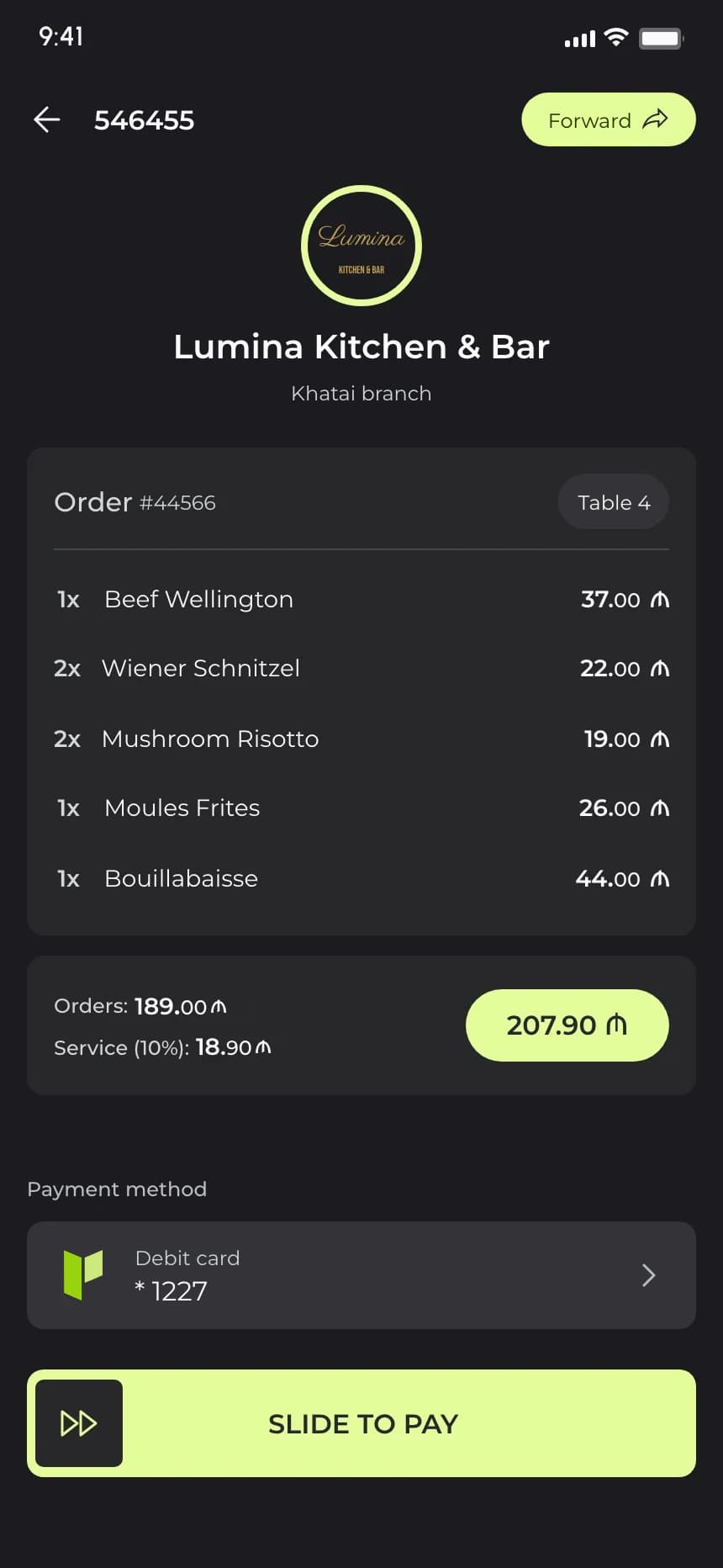
Confirm
Slide to pay. Face ID, Touch ID or your PIN.
The app, as it ships
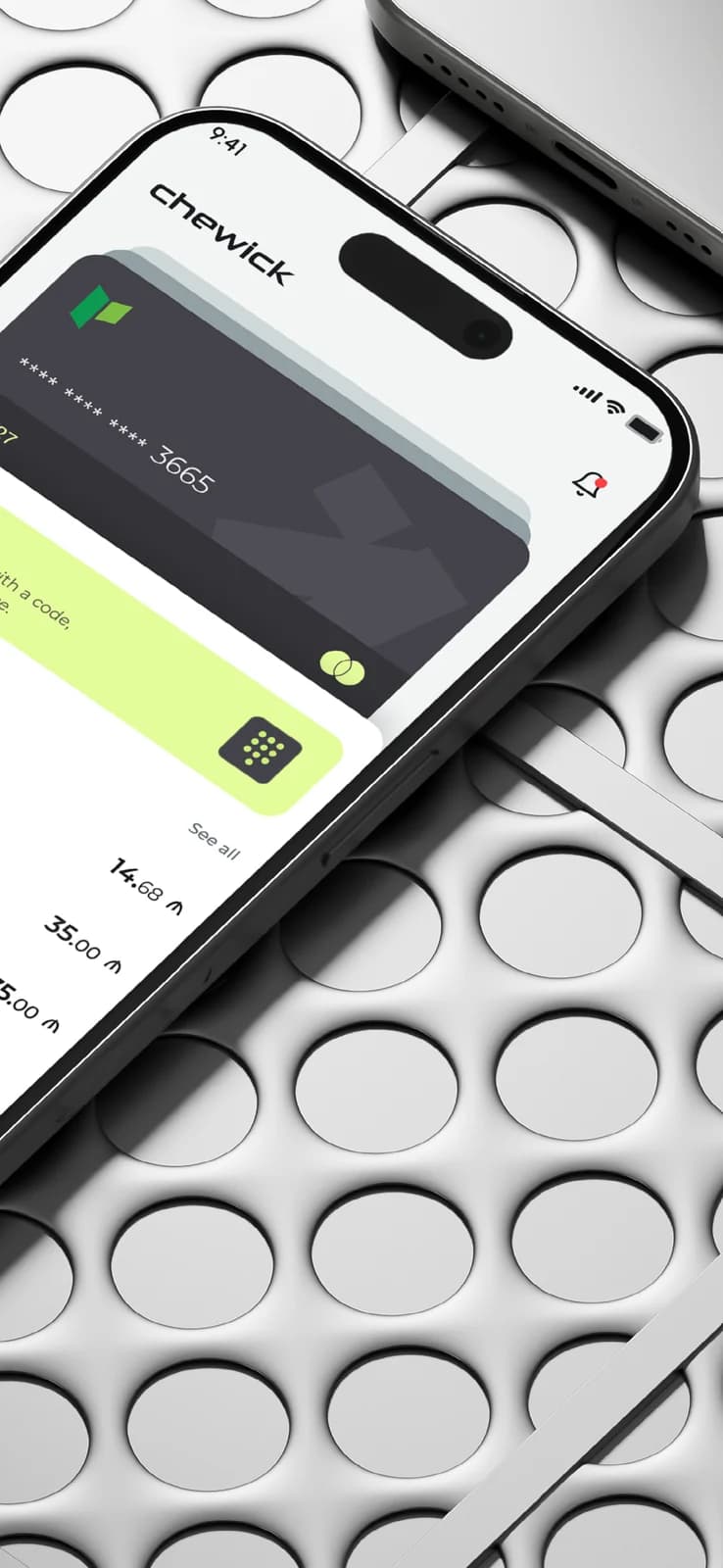
Type the code at the counter 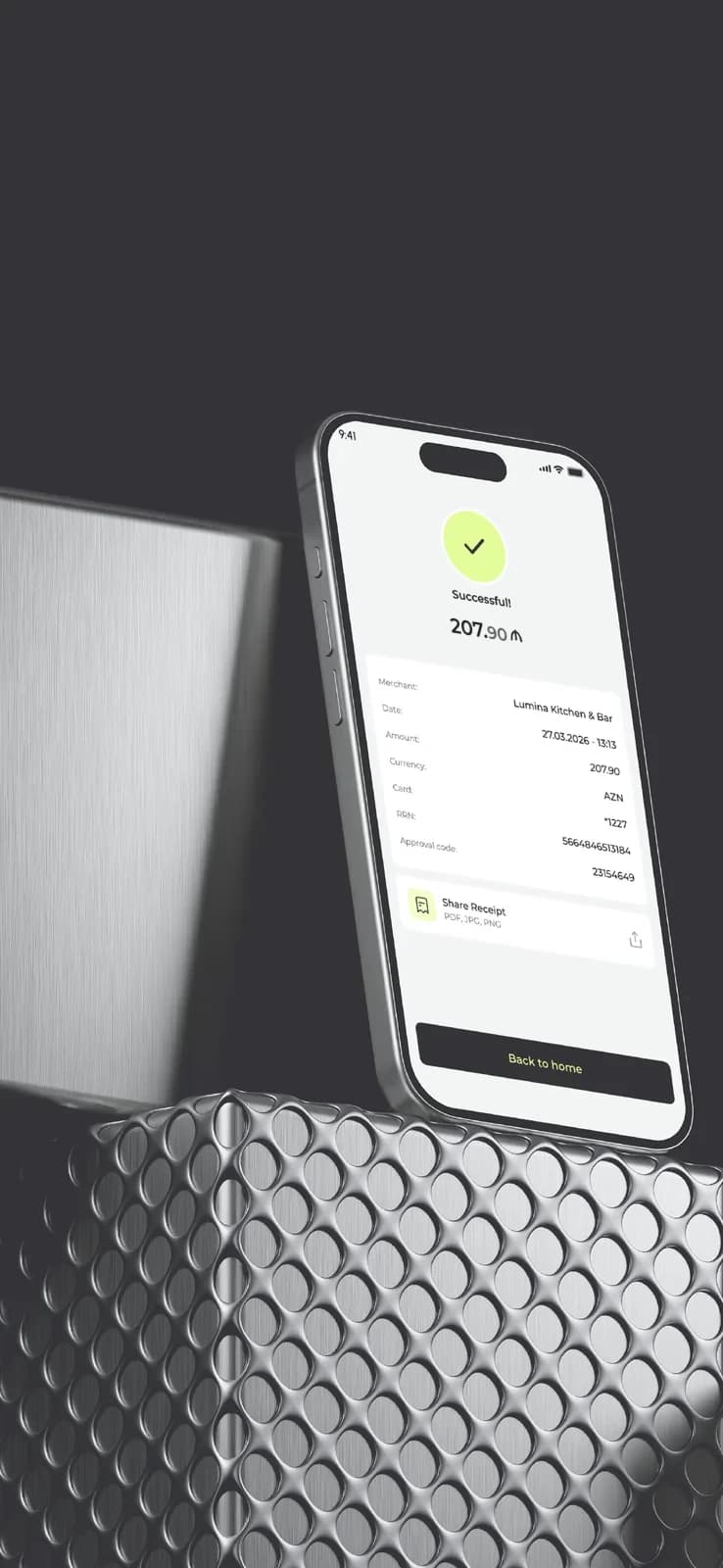
Read the details before you confirm 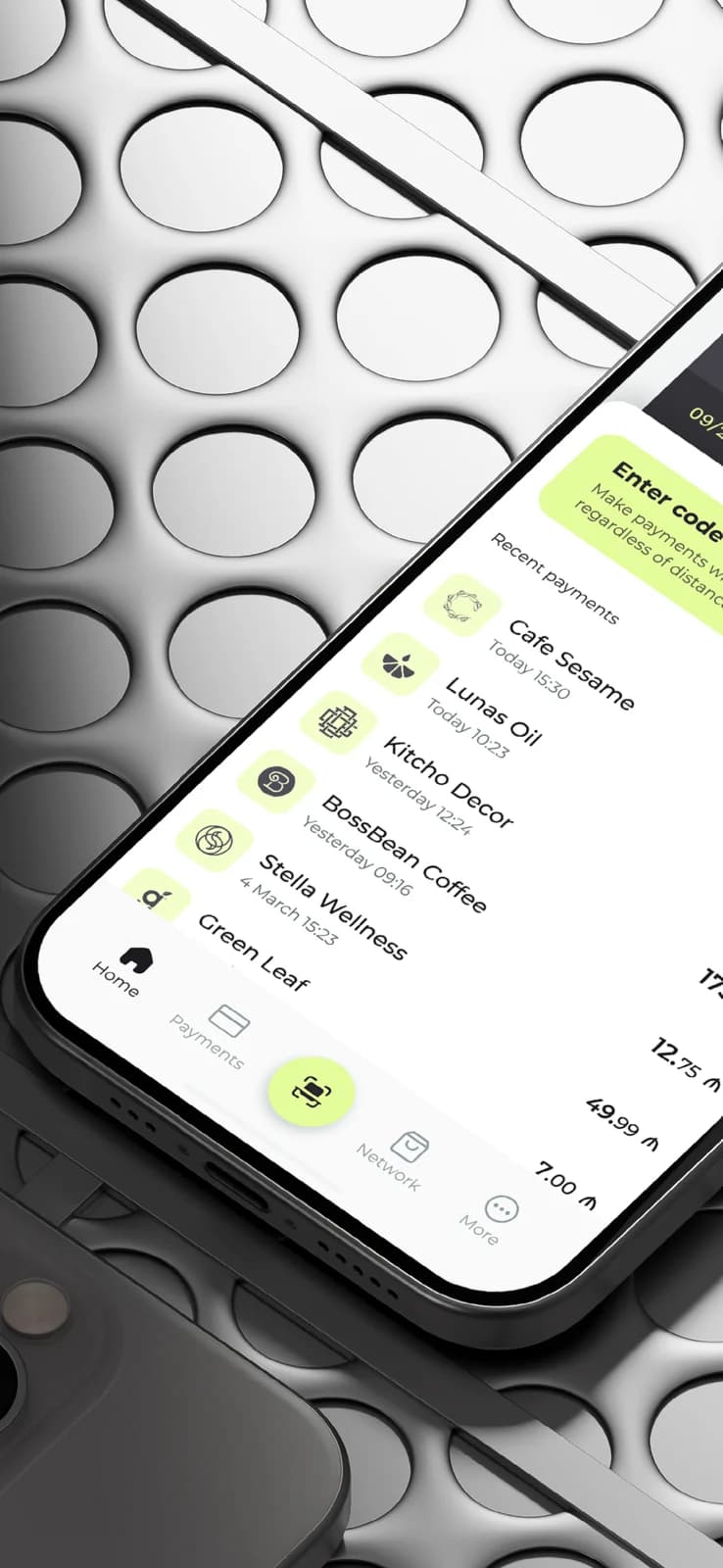
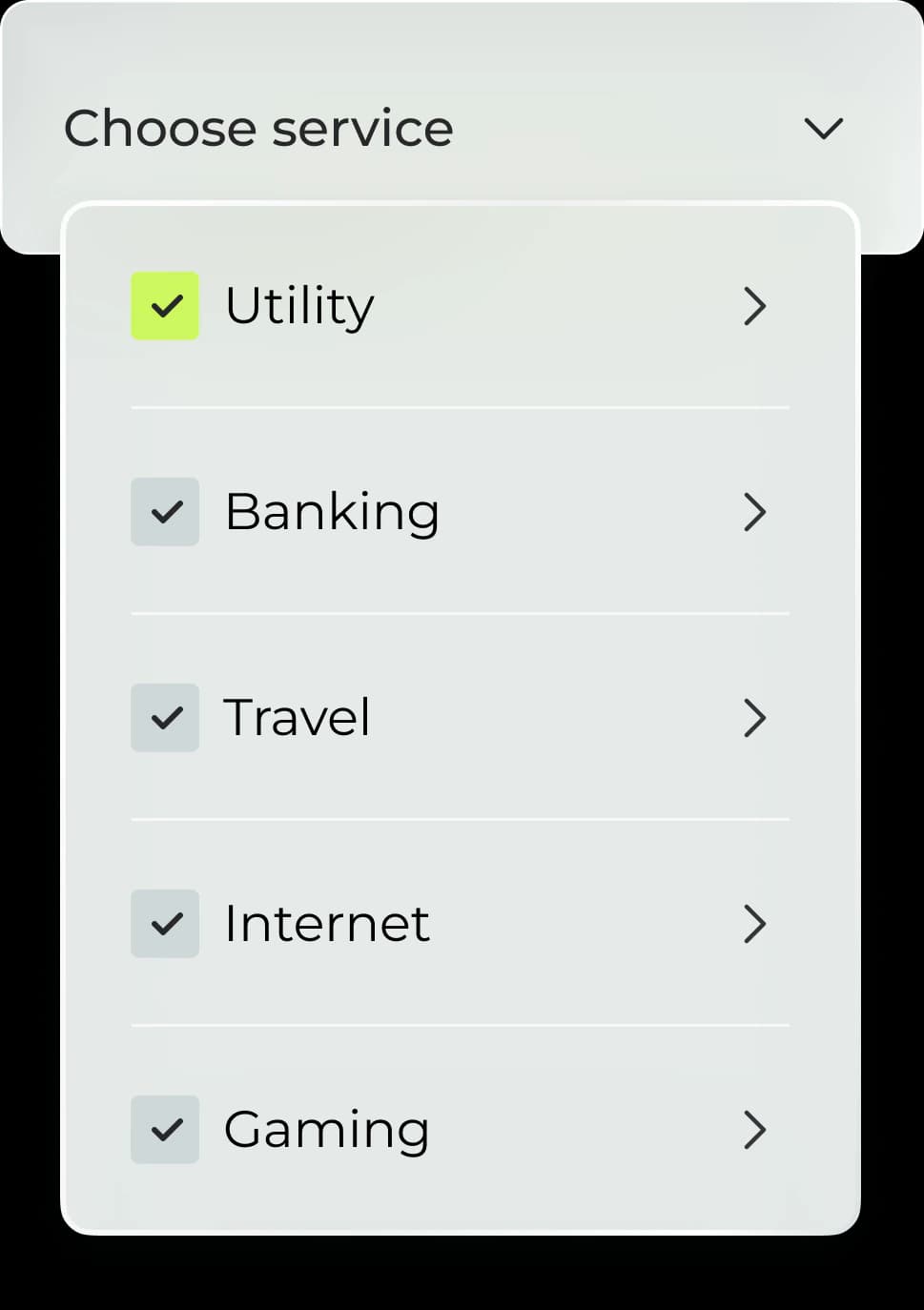
Pick a service, pay in seconds
What is in the app
Pay by code and QR
A business shows a 6‑digit code or a QR. Open it in Chewick and the payment details appear.
Learn more: Pay by code and QRRemote payments
A payment can reach you as a notification or a link. You confirm it wherever you are.
Learn more: Remote paymentsForward a payment
Send an open payment to another Chewick user by number or ID. They confirm it themselves.
Learn more: Forward a paymentSplit Bill
Pay the whole bill, your own items, any amount, or an equal share.
Learn more: Split BillYour cards and history
Keep several cards in one place. Every payment stays in your history with its receipt.
Everyday payments
Mobile, internet and utility payments from the same app.
What stays with you
- Your card details are never shared with the business.
- Nothing is charged until you confirm.
- You see who you are paying and how much before you pay.
- Every confirmation is yours: Face ID, Touch ID or PIN.
Get Chewick
Free on iOS and Android. The next code you see is a payment you can read before you approve it.