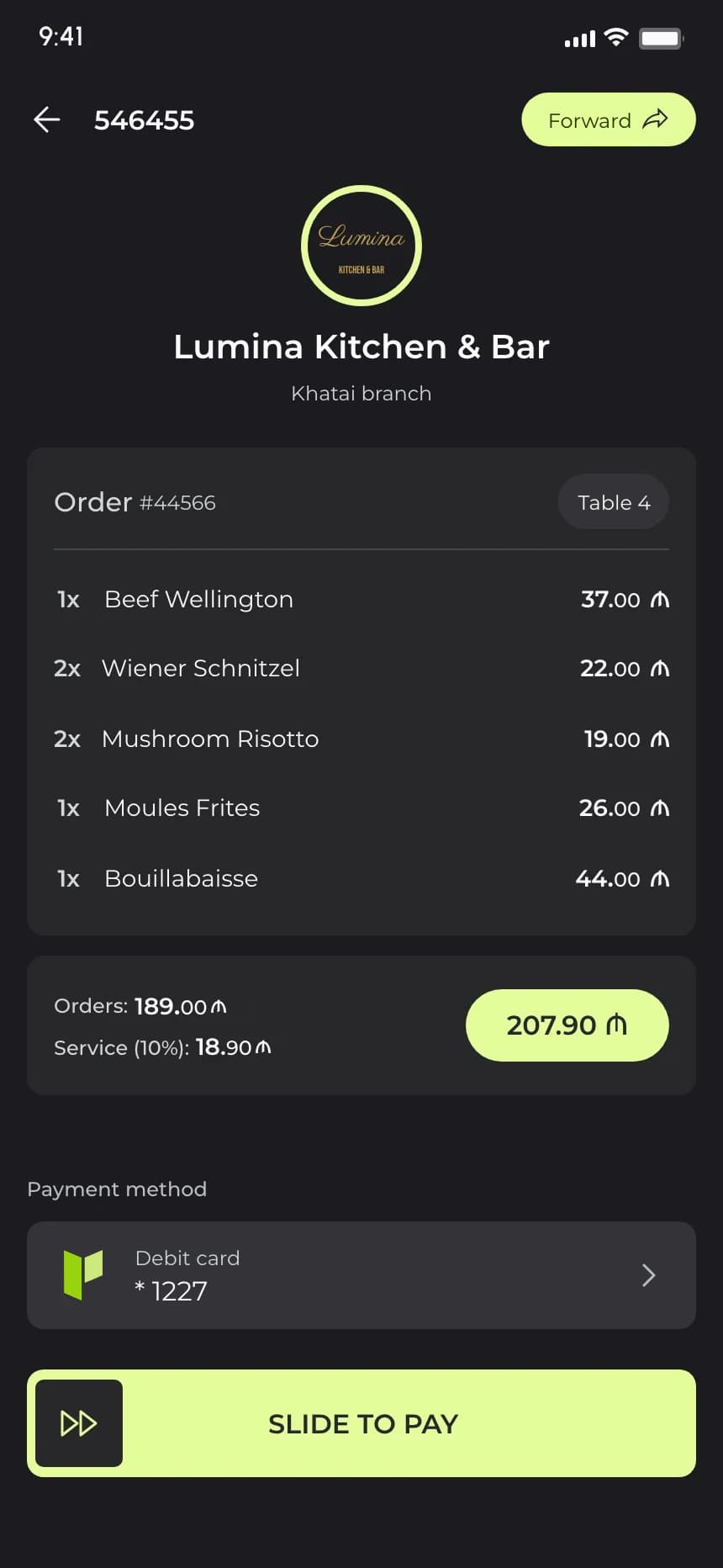
Payments under your brand
Your customers pay inside your app or platform, in your brand. Chewick runs the payment infrastructure behind it.
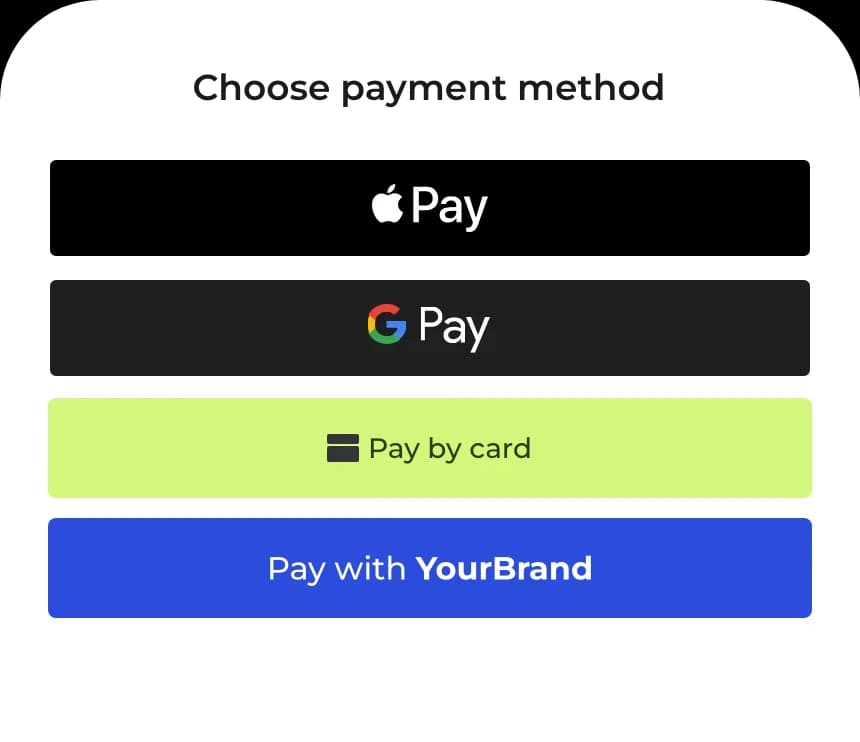
How the model works
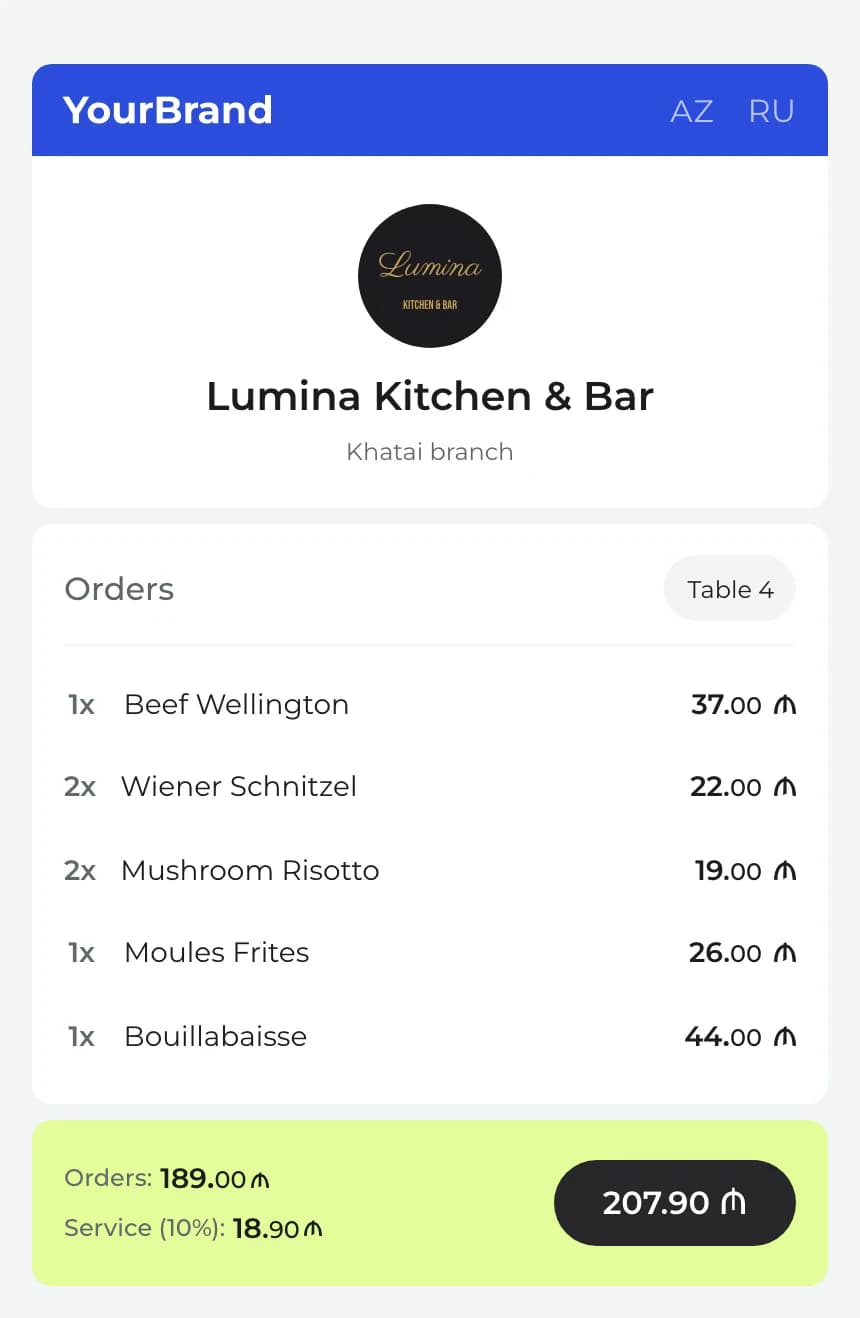
Your brand at the front
The payment experience carries your name. Your customers stay in your product.
Chewick at the back
Payment creation, links and codes, confirmation, status and history run on Chewick infrastructure.
Inside your own app or platform
Accept payments in your mobile application or digital platform without building a payment system.
Fewer technical resources
The infrastructure exists. Your team integrates it instead of building and maintaining one.
Who does what
Your product
Creates the payment and shows the result. Your brand throughout.
- Your checkout
- Your users
- Your brand
Chewick infrastructure
Links, QR and codes, payer confirmation, status, history and reports.
- Payment creation
- Confirmation
- Status and history
Payment provider
Card processing by the licensed payment service provider partner.
Card details never pass through your product. Payments are processed by the licensed provider.
The same controls your customers expect
Every payment is confirmed by the person paying. Card details never pass through your product. The status, a reference number and an approval code come back to you.