Integration and developers
Your system creates the payment. Chewick returns a link, a QR and a code. The result comes back to you.
How an integrated payment runs
Your system
Creates a payment for an order: items or an amount.
Chewick
Returns a payment link, a QR and a 6‑digit code for that payment.
- Link
- QR
- 6‑digit code
Your customer
Pays on the checkout page with Chewick, a bank card, Apple Pay or Google Pay.
Back to you
The transaction appears in your merchant system and in the Merchant Portal, with RRN and approval code.
Checkout pages are served in Azerbaijani and Russian. The customer does not need a Chewick account to pay.
Payment statuses
Every payment is in one of these states. Your system reads the state and acts on it.
- PendingWhat it means: Created and waiting for the customer.What your system does: Shows the link, the QR or the code.
- PaidWhat it means: The customer confirmed and the provider processed the payment.What your system does: Completes the order and keeps the RRN and approval code.
- ExpiredWhat it means: The time to pay ran out before the customer paid.What your system does: Creates a new payment if the customer still wants to buy.
- CancelledWhat it means: The payment was cancelled before it was paid.What your system does: Closes the order without a charge.
- ReversedWhat it means: A refund was processed after the payment.What your system does: Marks the order as refunded.
What comes back for each payment
- The status: pending, paid, expired, cancelled or reversed.
- The amount and the order it belongs to.
- An RRN and an approval code from the payment provider.
- A receipt your team can download. Never the card number.
What you integrate
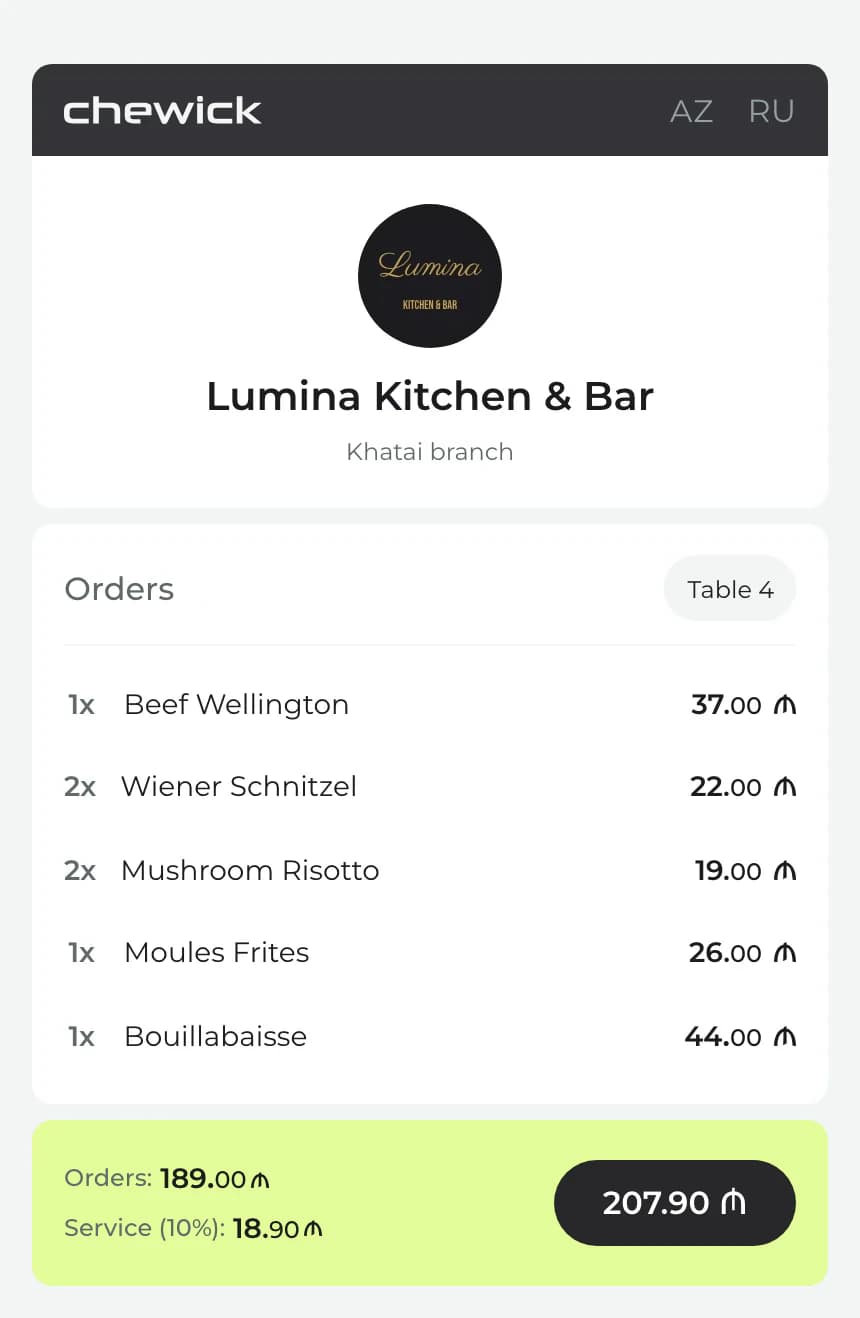
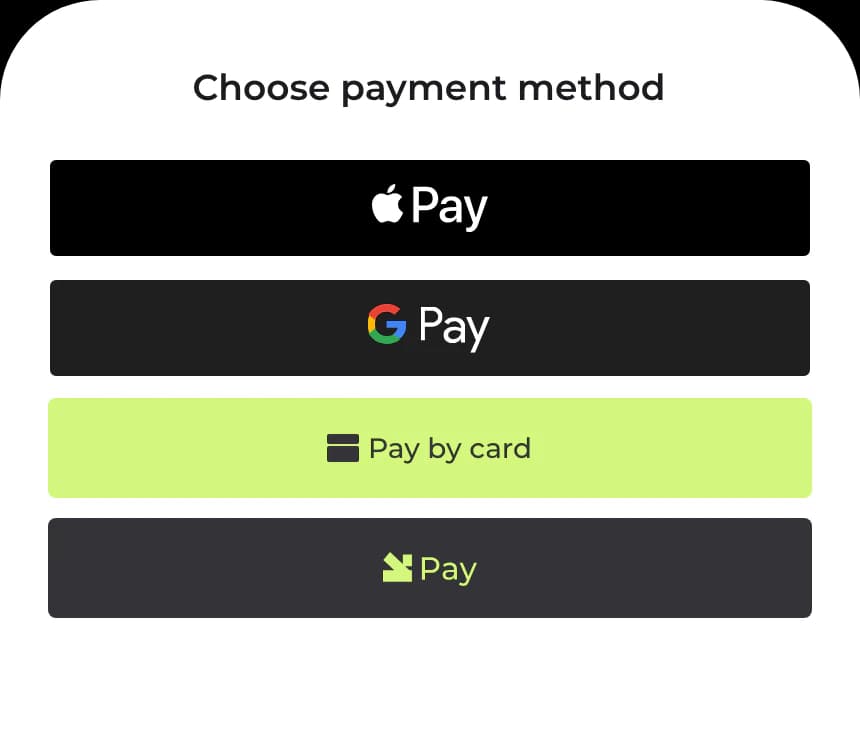
Checkout page
Hosted by Chewick at paylink.chewick.com. Chewick, bank card, Apple Pay and Google Pay on one page.
Learn more: Checkout pagePayment creation
From the Merchant Portal today, or from your own system through the integration.
Status and receipts
Paid, pending, expired or cancelled. A receipt with RRN and approval code for every payment.
Roles and reports for your operations
Admin, Paylink and Cashier roles in the Merchant Portal. Monthly PDF reports and export.
Learn more: Roles and reports for your operations
Documentation
Integration documentation is shared with your team during scoping. Tell us about your stack and we send it.