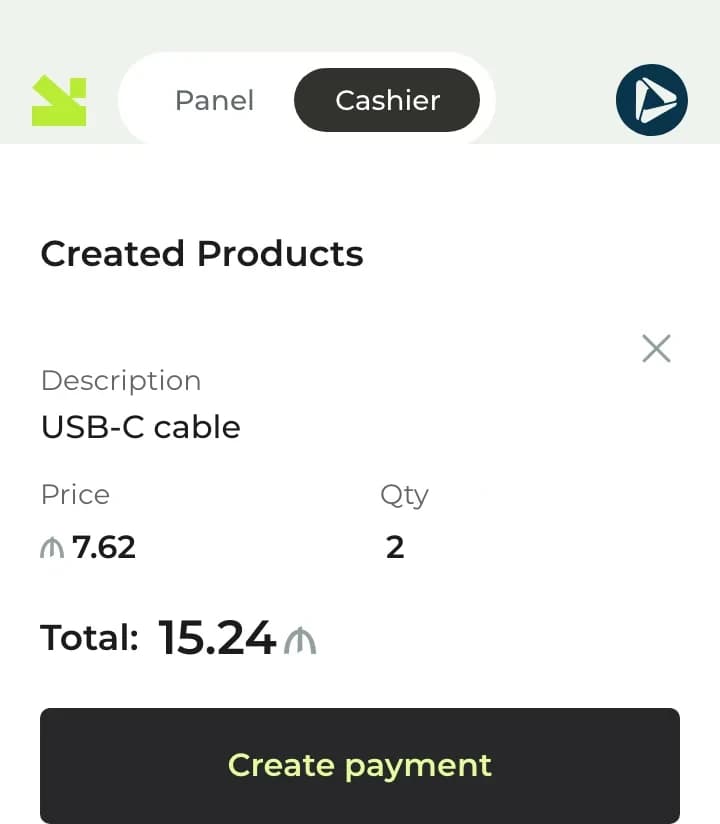
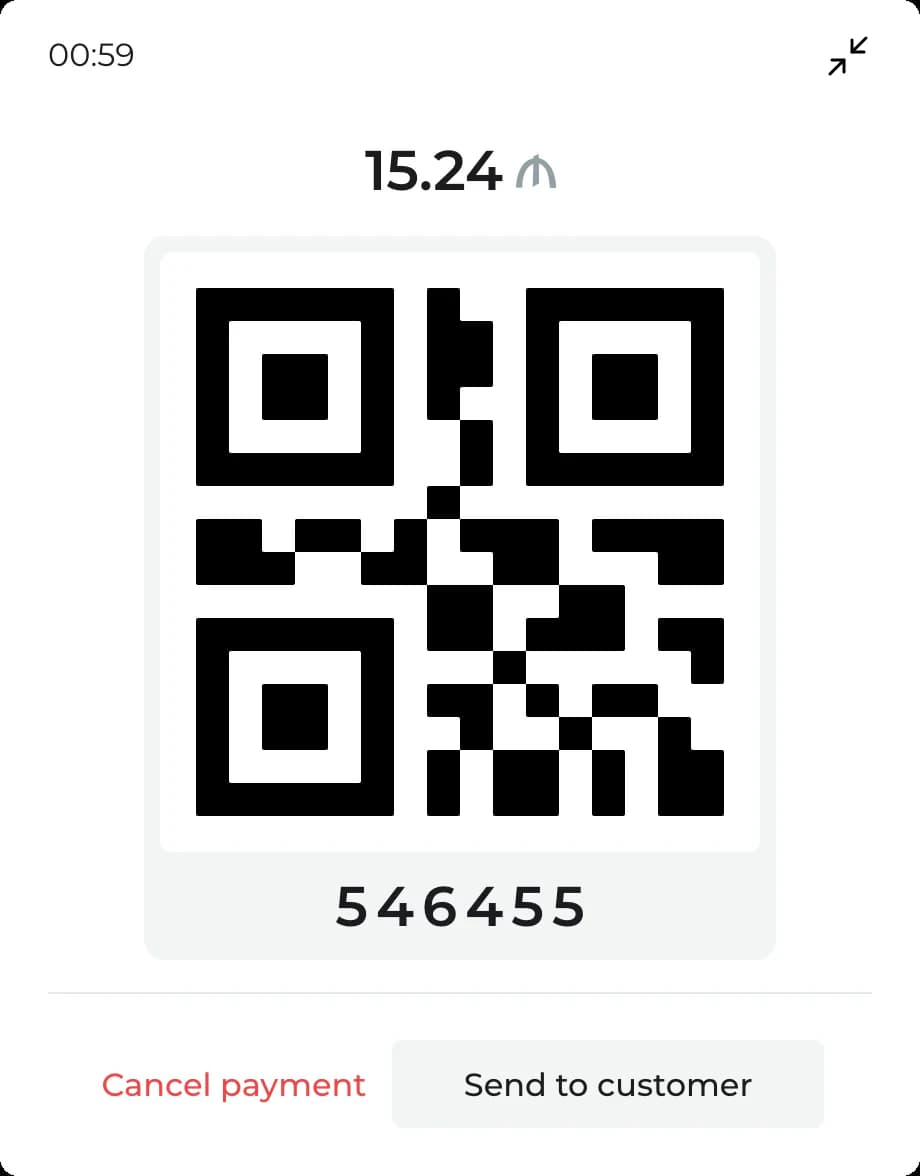
Split Bill
Pay the whole bill or just your share. Four ways to split, right in the app.
Four ways to settle one bill
 Pay fullyTake the whole billOne person pays everything from the same QR.
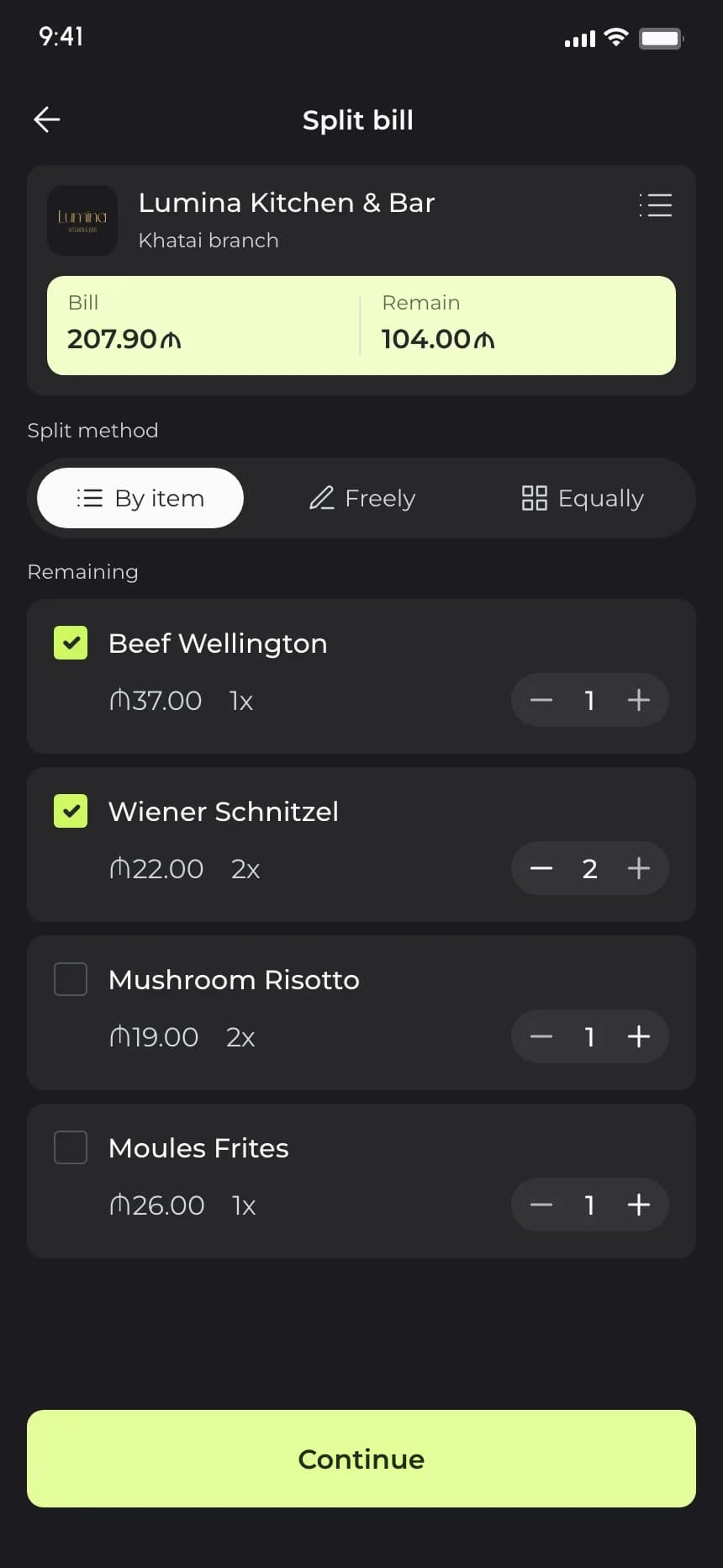
- Pay by itemOnly what you hadTick your items and pay for those.
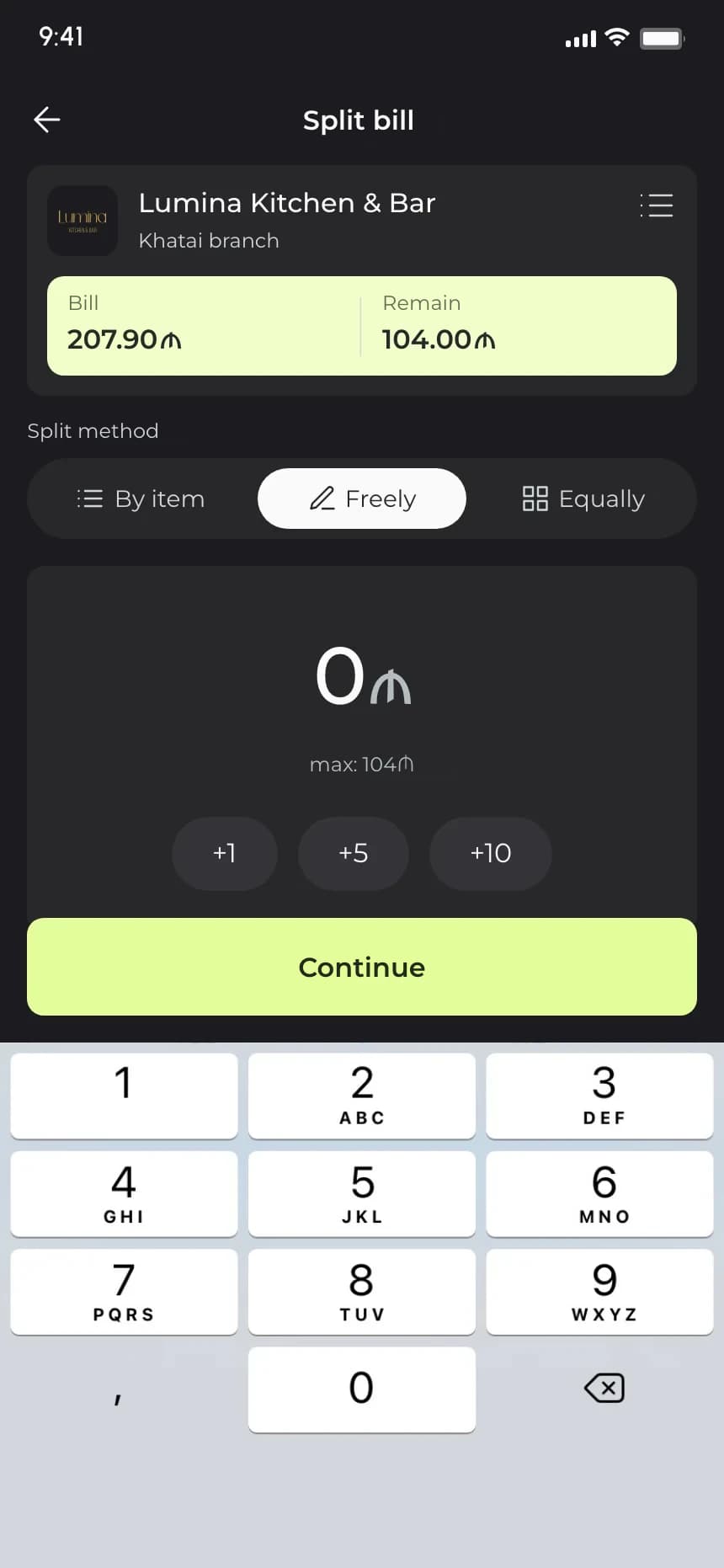 Pay freelyAny amountEnter the sum you want to cover. The rest stays open for the others.
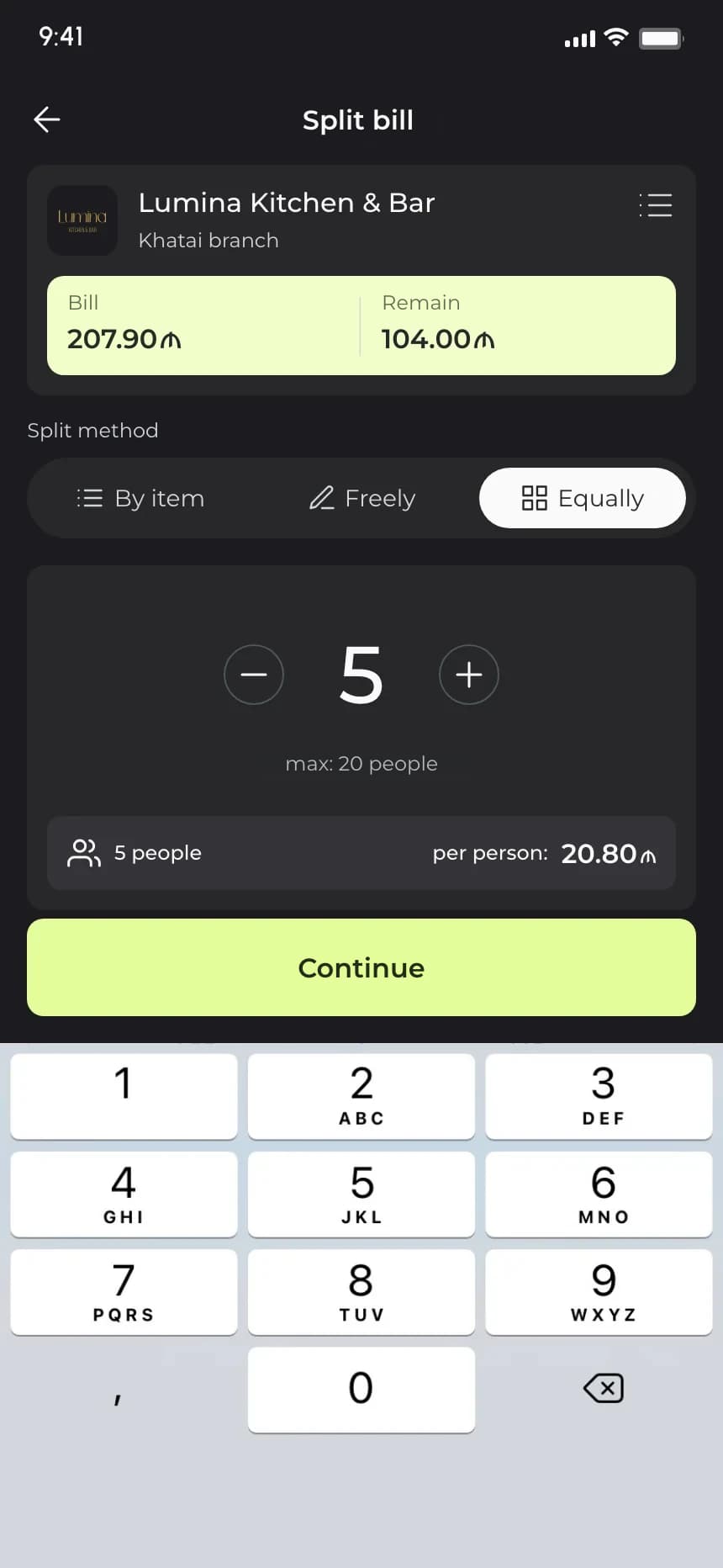 Split equallySame share for everyoneThe total divides by the number of people at the table.
From the order to your share
Open the order
Scan the table's QR or type the code.
Review the bill
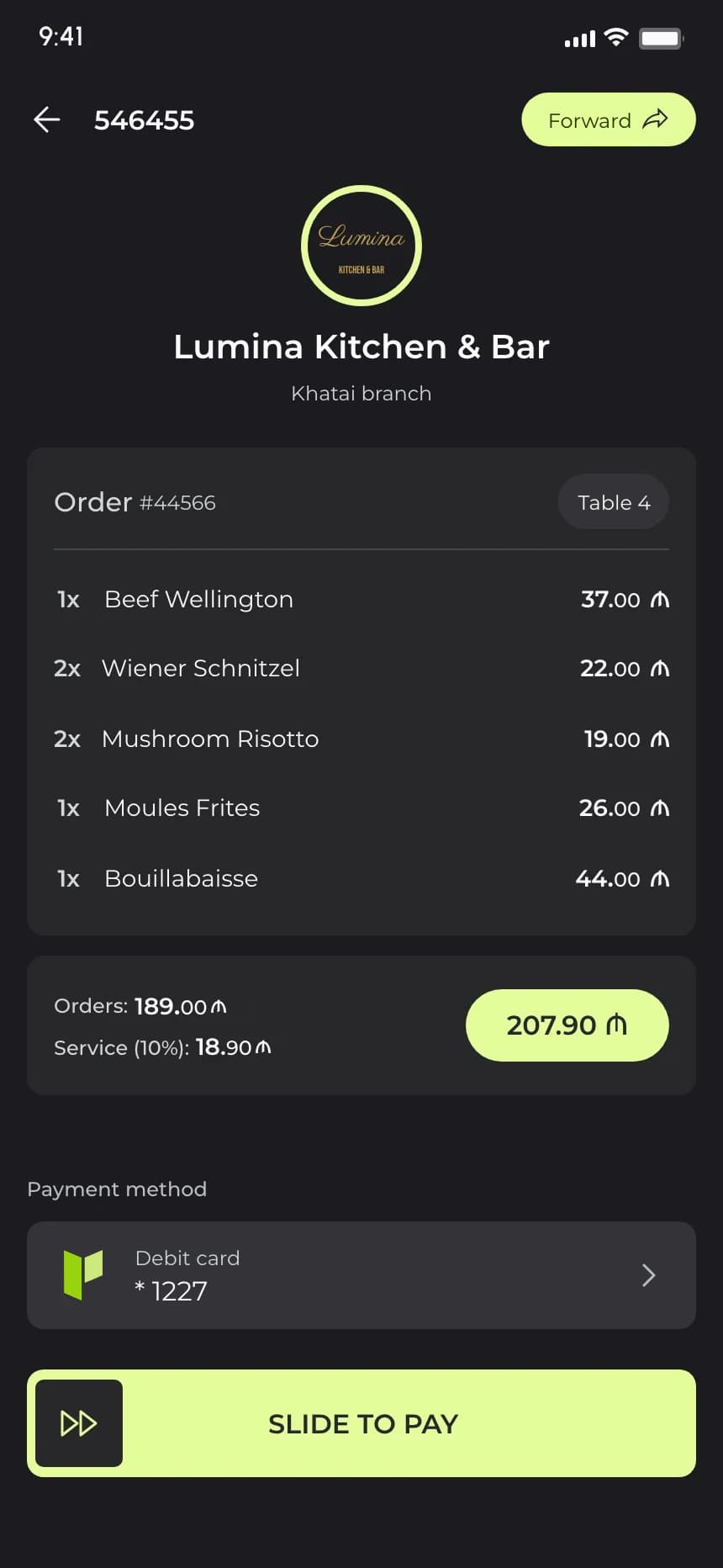
Items, service fee and the total.
Choose how to split
Pay fully, or split the bill.
Pick items or an amount
Your dishes, an equal share, or a sum you choose.
Proceed and slide to pay
Your share is confirmed. The rest of the bill stays open for the others.
Not only at the table
Split Bill works in every payment a business creates for splitting, not just in cafes and restaurants. One QR, several payers, each with their own receipt.