Restaurants and cafes
Split the bill at the table
The order becomes one QR. Each guest pays their share from their own phone. Every payment lands in the portal.
A table pays, step by step
The order becomes a QR
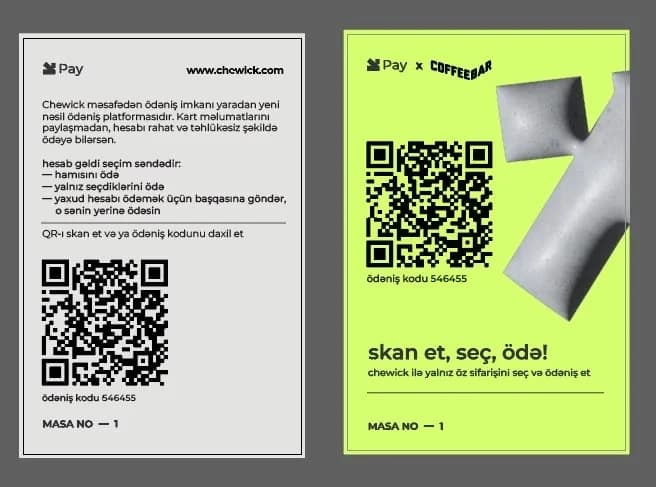
Cashier turns the table's order into one QR and a 6‑digit code.
546455The QR goes on the table
On a stand or on the bill. Every guest scans the same one.
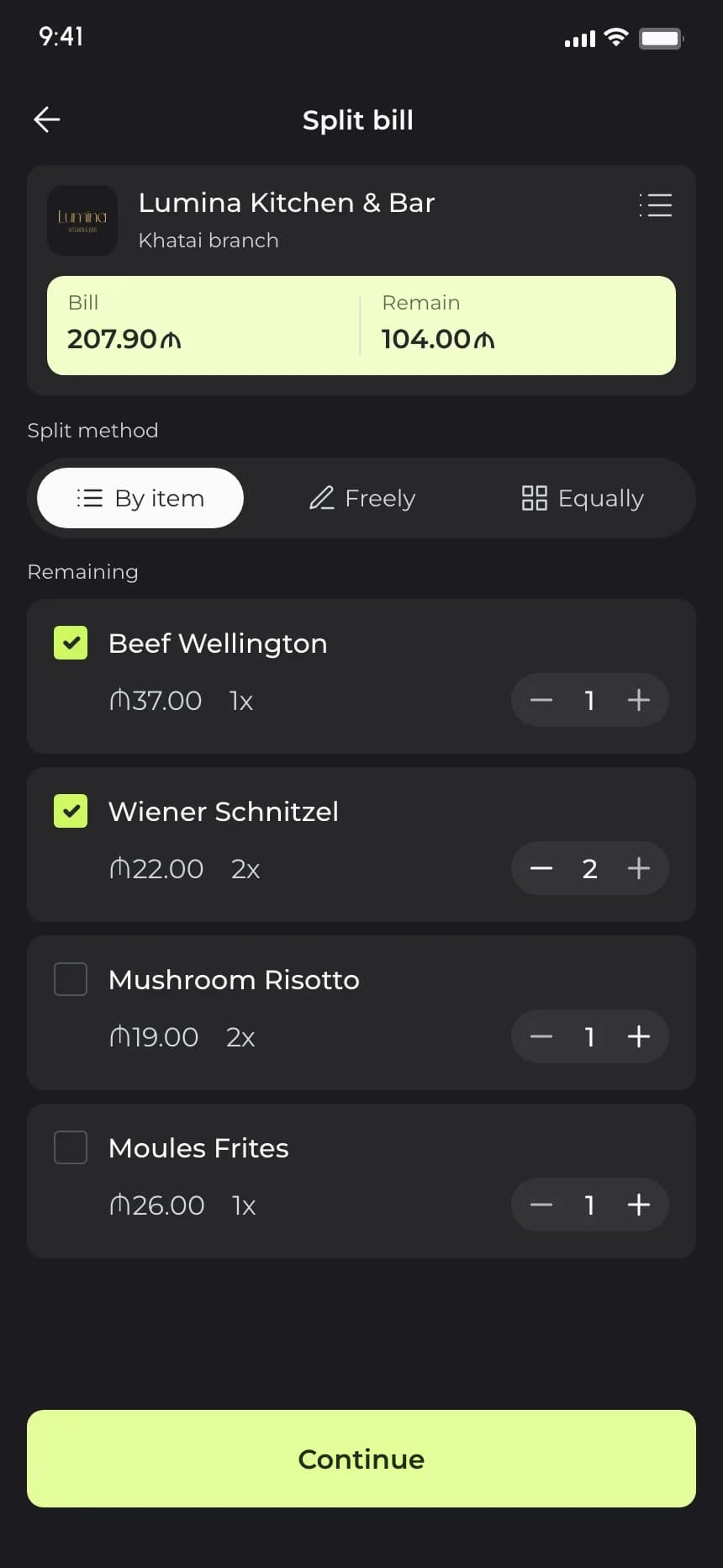
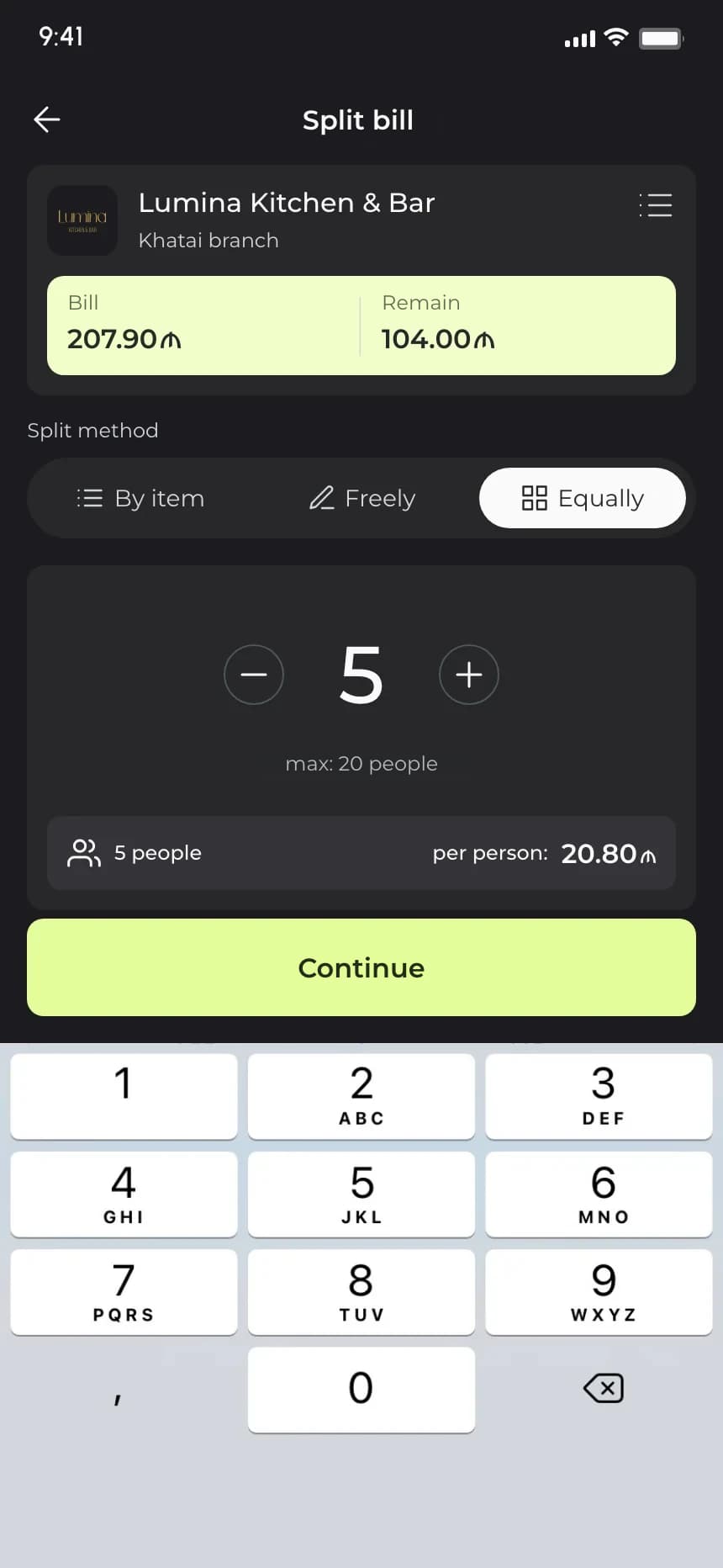
Each guest picks how to pay
Their own items, any amount, or an equal share of the rest.
Every share is a payment
Each lands in the Merchant Portal with its own receipt, until the bill is covered.
Lumina Kitchen & Bar, table 4Paid- Guest 1, own items₼ 103.90
- Guests 2 to 6, equal share5 × ₼ 20.80 each
- Paid in total₼ 207.90
What changes at the table
One QR per order
Cashier creates the order and shows the QR and the code.
Guests choose
The whole bill, their own items, any amount, or an equal split.
Someone can pay from elsewhere
A guest who left early pays from their phone. Or forwards it to the one who stayed.
A receipt for every payment
RRN and approval code for each guest's share.