Forward a payment to whoever is paying
Send an open payment to another Chewick user by number or ID. They confirm it in their own app.
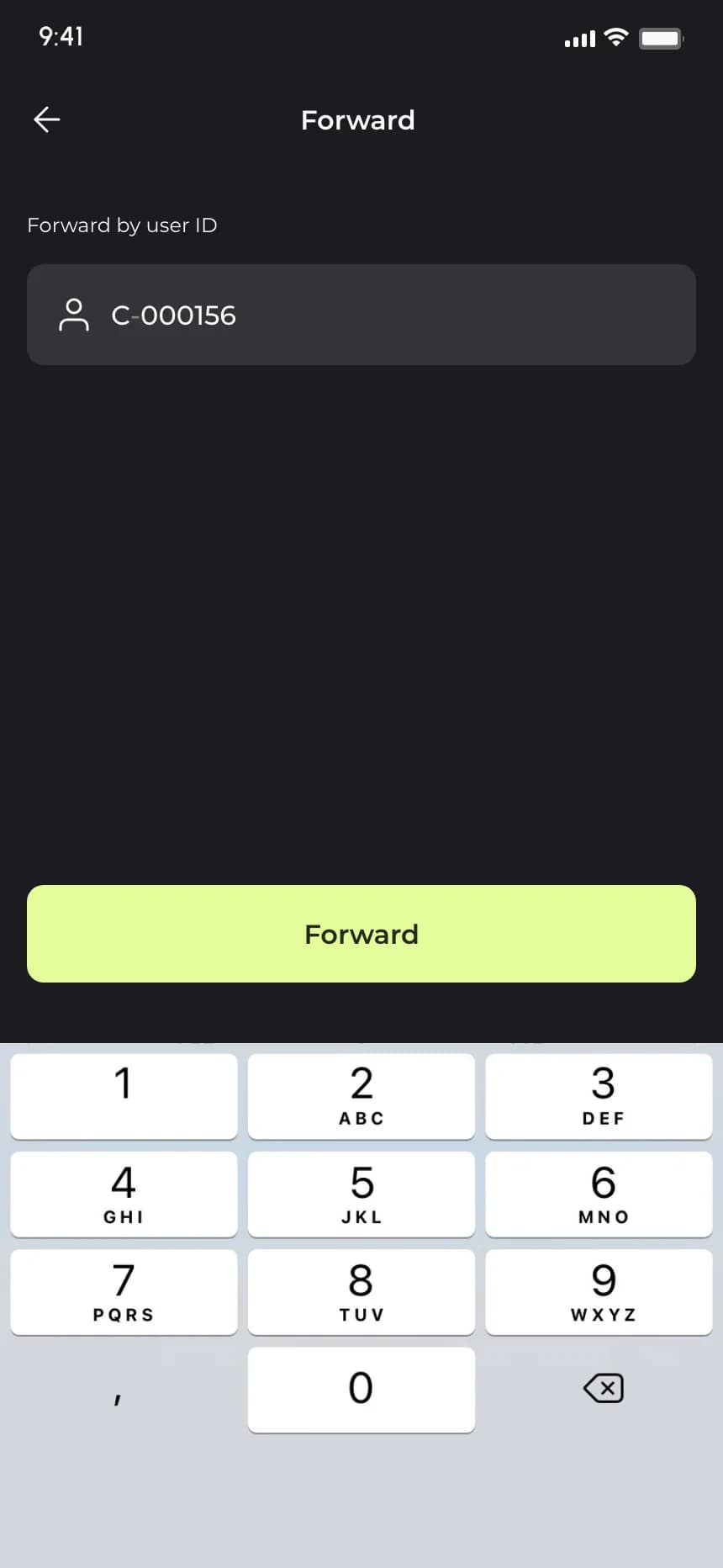
Forwarding, in five moves
Tap Forward
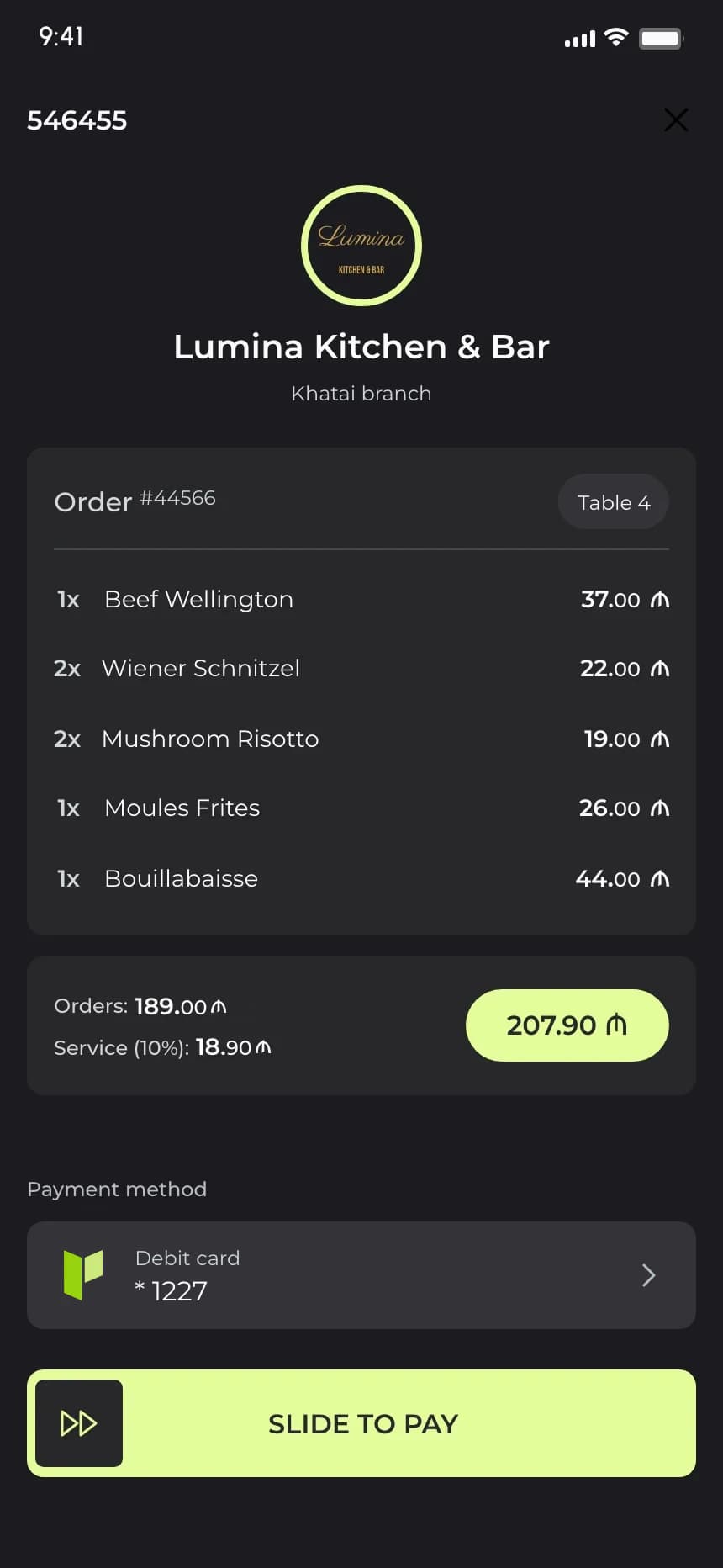
On the details screen of any open payment.
Payment code546455By number or by ID
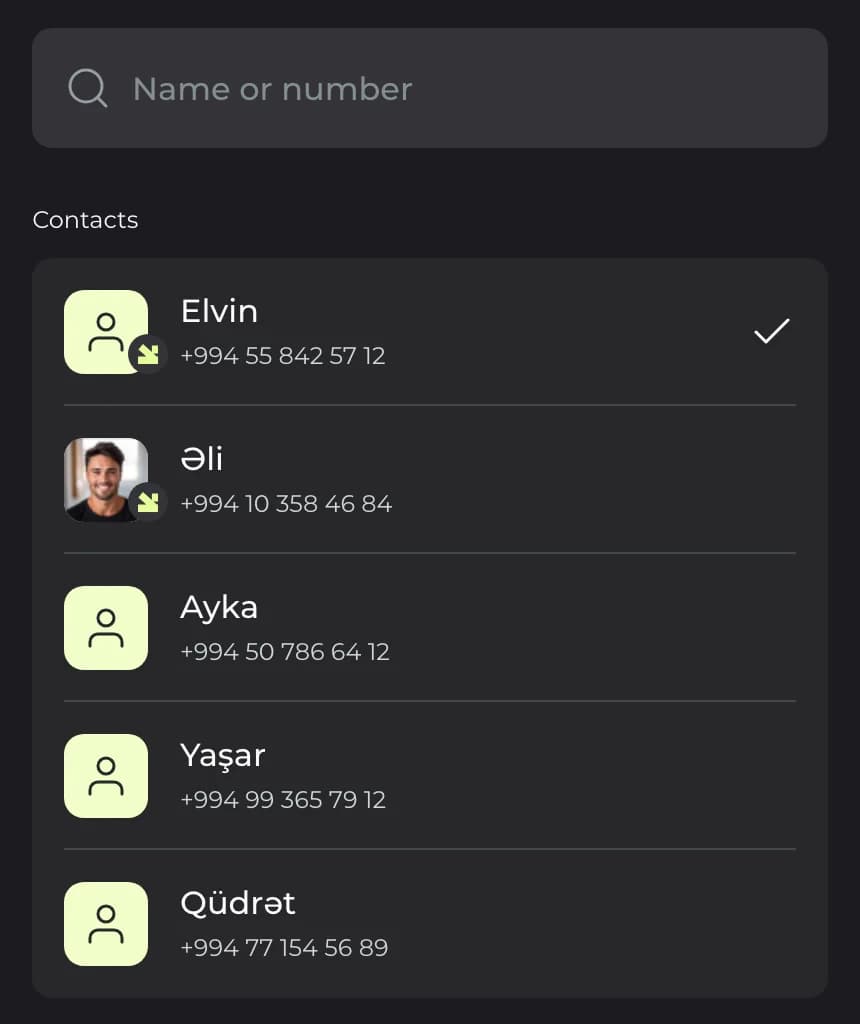
A contact, a phone number or a Chewick ID.
Confirm the person
Check the name, then forward.
They decide
The payment arrives as a notification. They complete or reject it in Chewick.
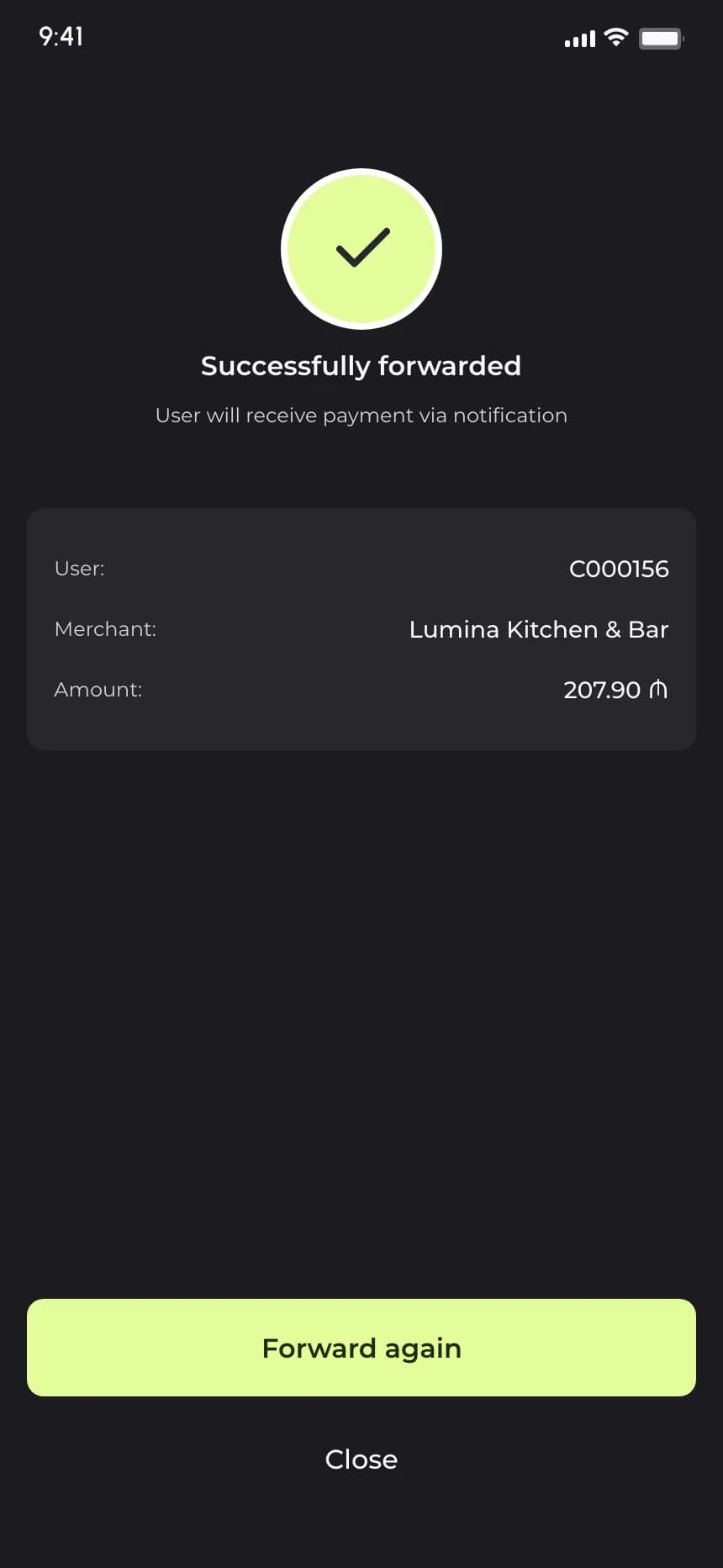
You get the result
A notification tells you whether it was paid.
When forwarding helps
A friend left the table early
Forward their share of the bill. They pay from wherever they are.
Someone else is paying
A parent, a partner or a colleague confirms the payment in their own app.
The card is on another phone
The code was shown to you, the card belongs to someone else. Forward it.
The forwarder never pays
Only the person you send it to can complete the payment.
How a forwarded payment behaves
- The payment stays open until the recipient completes or rejects it, or its timer ends.
- The recipient sees the same details you saw: business, items, total.
- They confirm with Face ID, Touch ID or PIN in their own app.
- The business sees one payment, paid, with an RRN and approval code.