Checkout
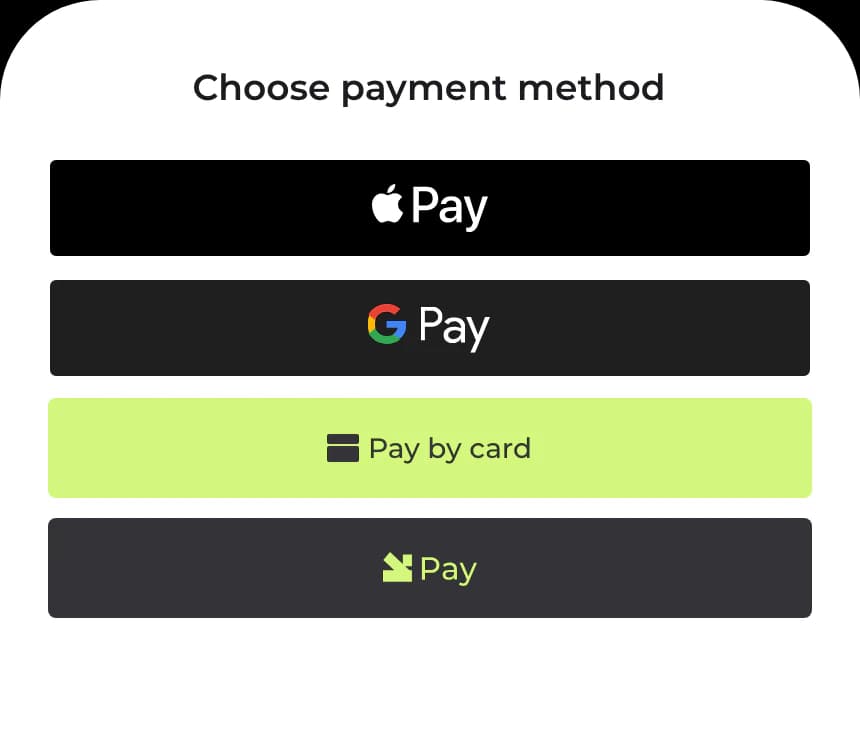
A payment page for your website or app. Your customer chooses Chewick, a bank card, Apple Pay or Google Pay.
Value for your store
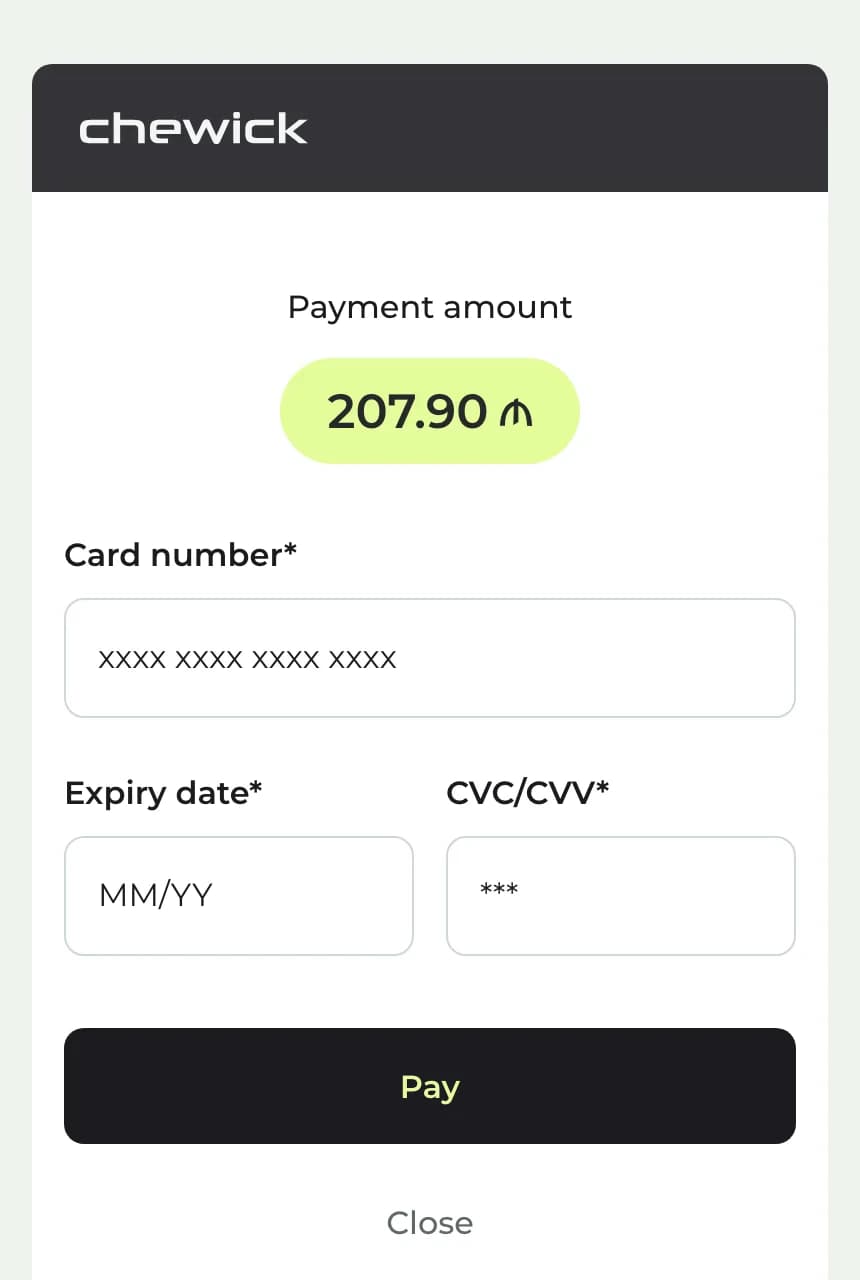
The customer does not need Chewick
Bank card, Apple Pay and Google Pay are on the same page as Chewick.
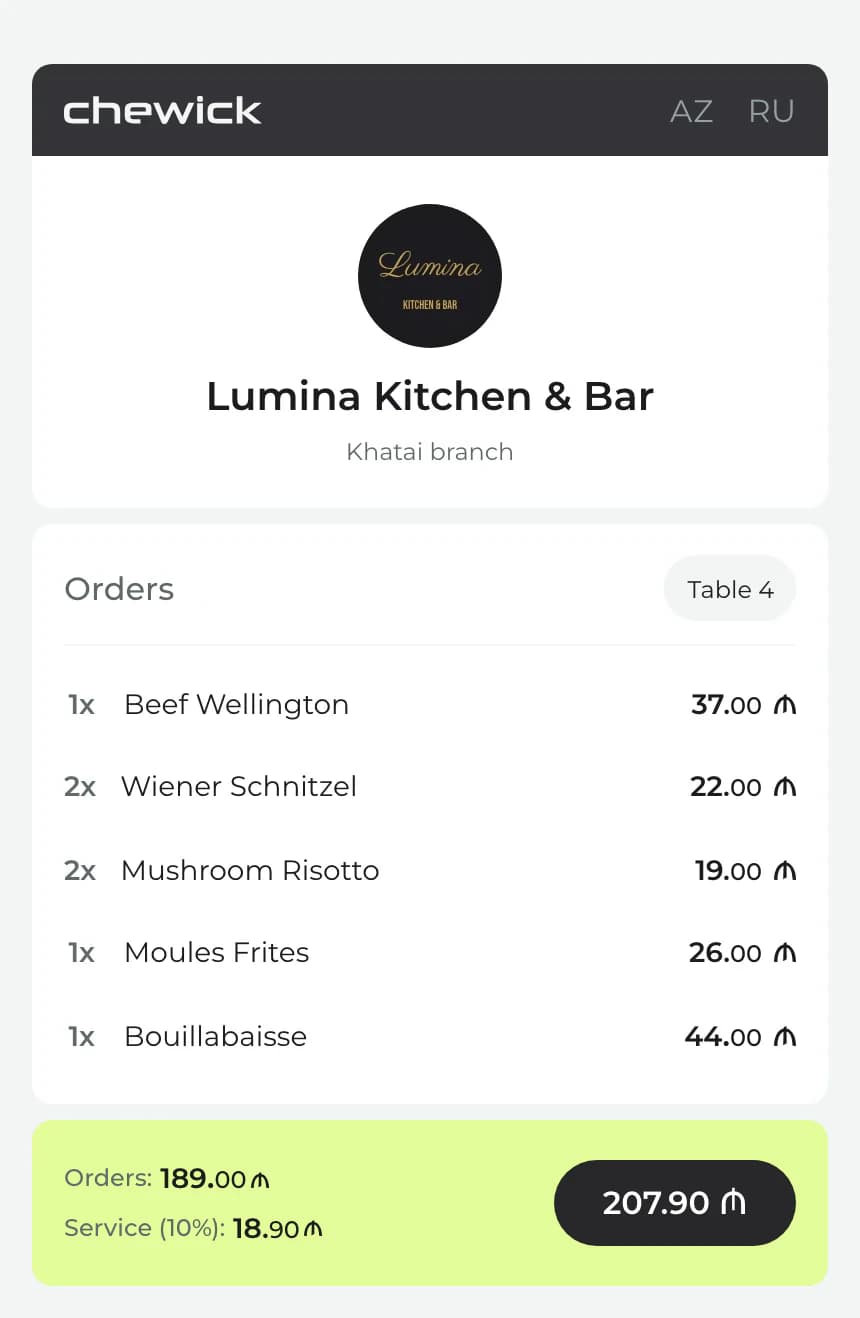
Clear before payment
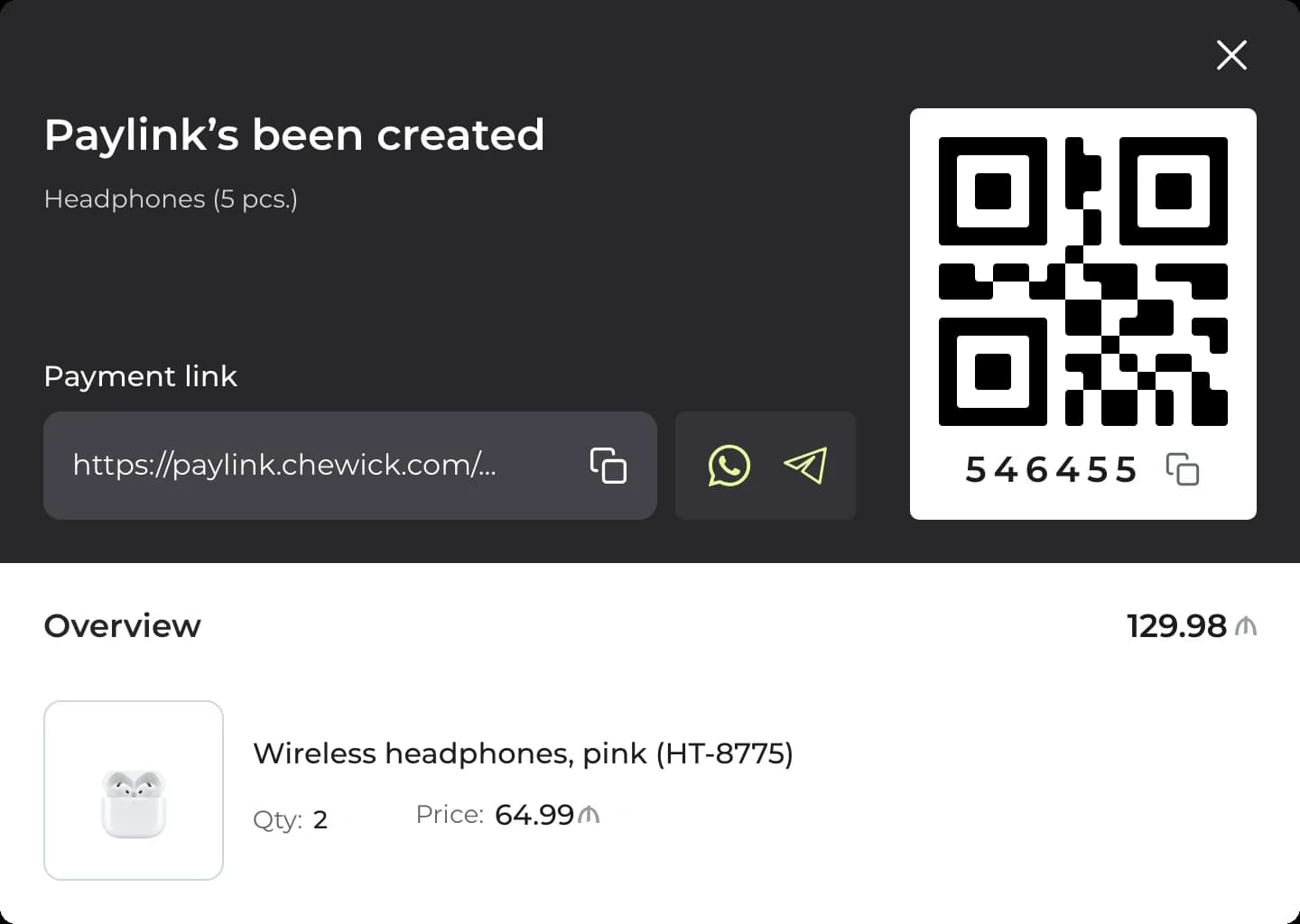
The product, the amount and the final total are shown before the customer pays.
No card access, no meeting
Accept payment without a physical meeting and without access to anyone's personal card.
One history
Online payments sit next to Paylink and Cashier payments in the Merchant Portal.
How a checkout payment runs
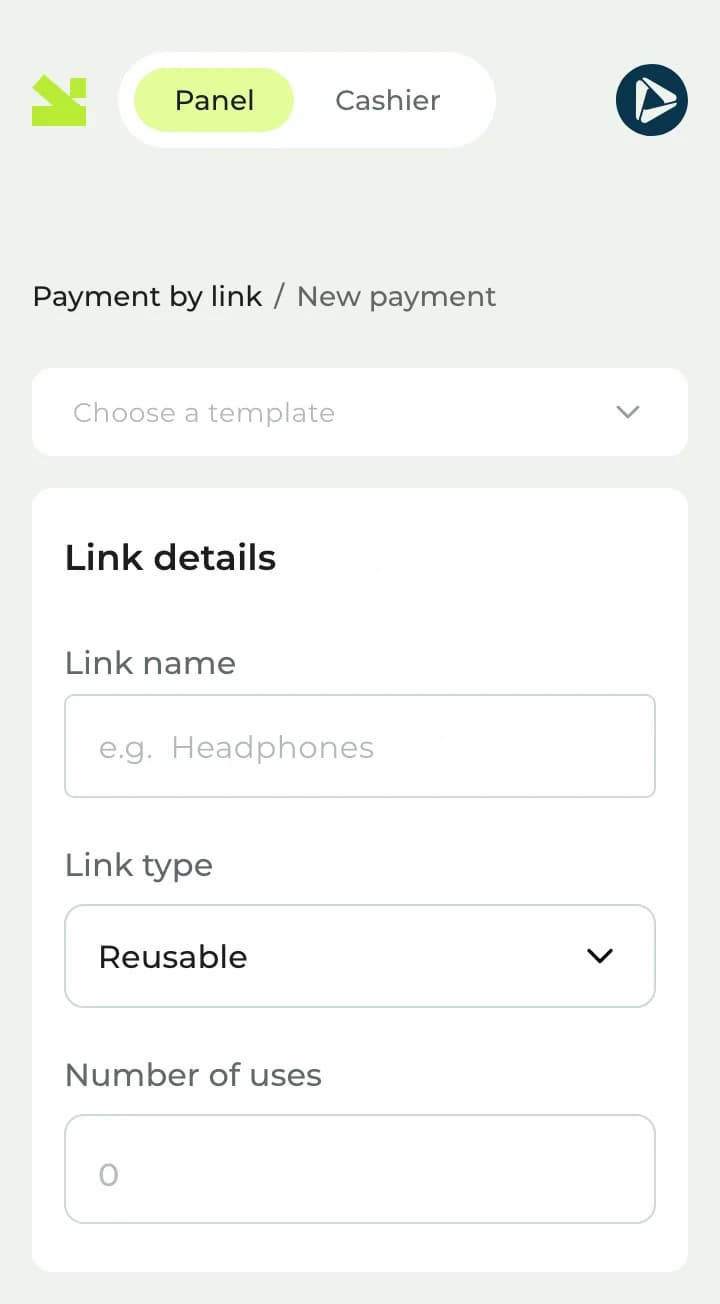
A payment is created
From the Merchant Portal or from your website integration.
The customer opens the page
In Azerbaijani or Russian, on any device.
paylink.chewick.com/p/7f3k2qThey choose a method
Chewick, bank card, Apple Pay or Google Pay.
They pay
With Chewick, through the 6‑digit code or the QR. Otherwise on the page.
Payment code546455You see it
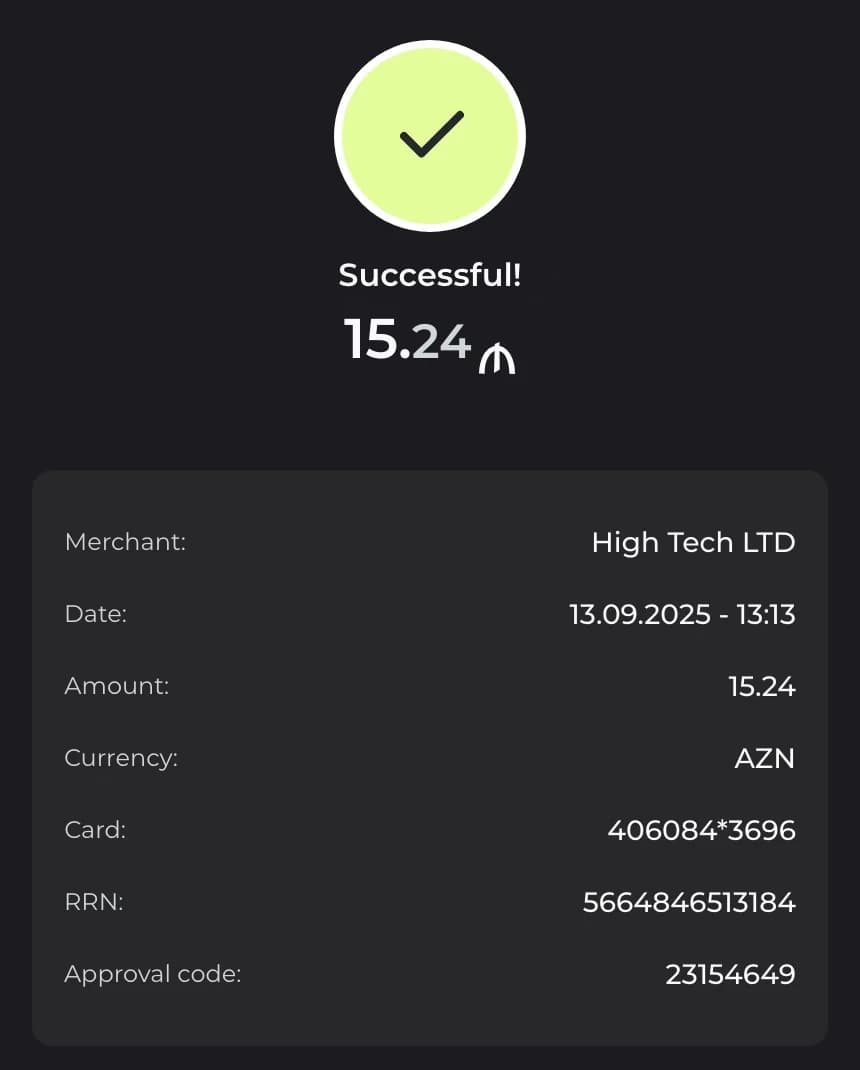
The transaction appears in the merchant system.