You do not have to be there to pay
A payment created in a shop, a chat or a website reaches you as a notification, code or link.
One payment, two places
The business creates it on their side. You confirm it on yours.
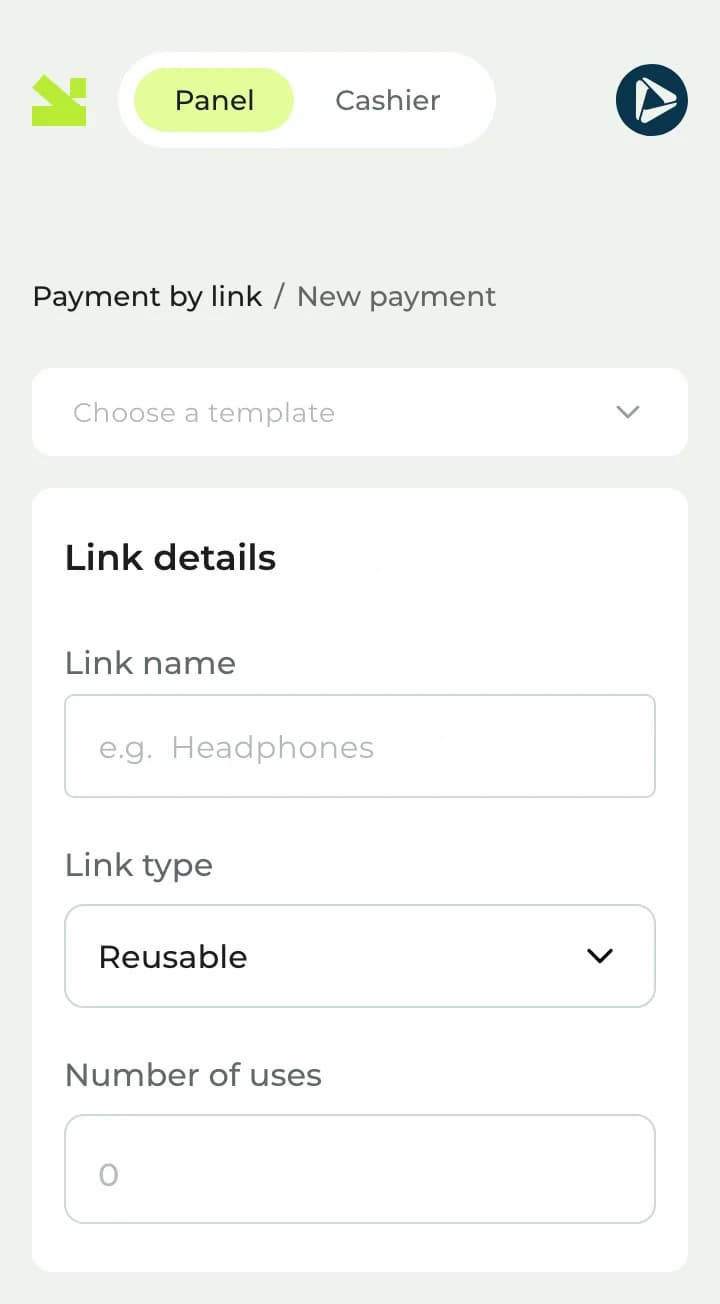
Created
The business builds the payment: items, amount.
Sent your way
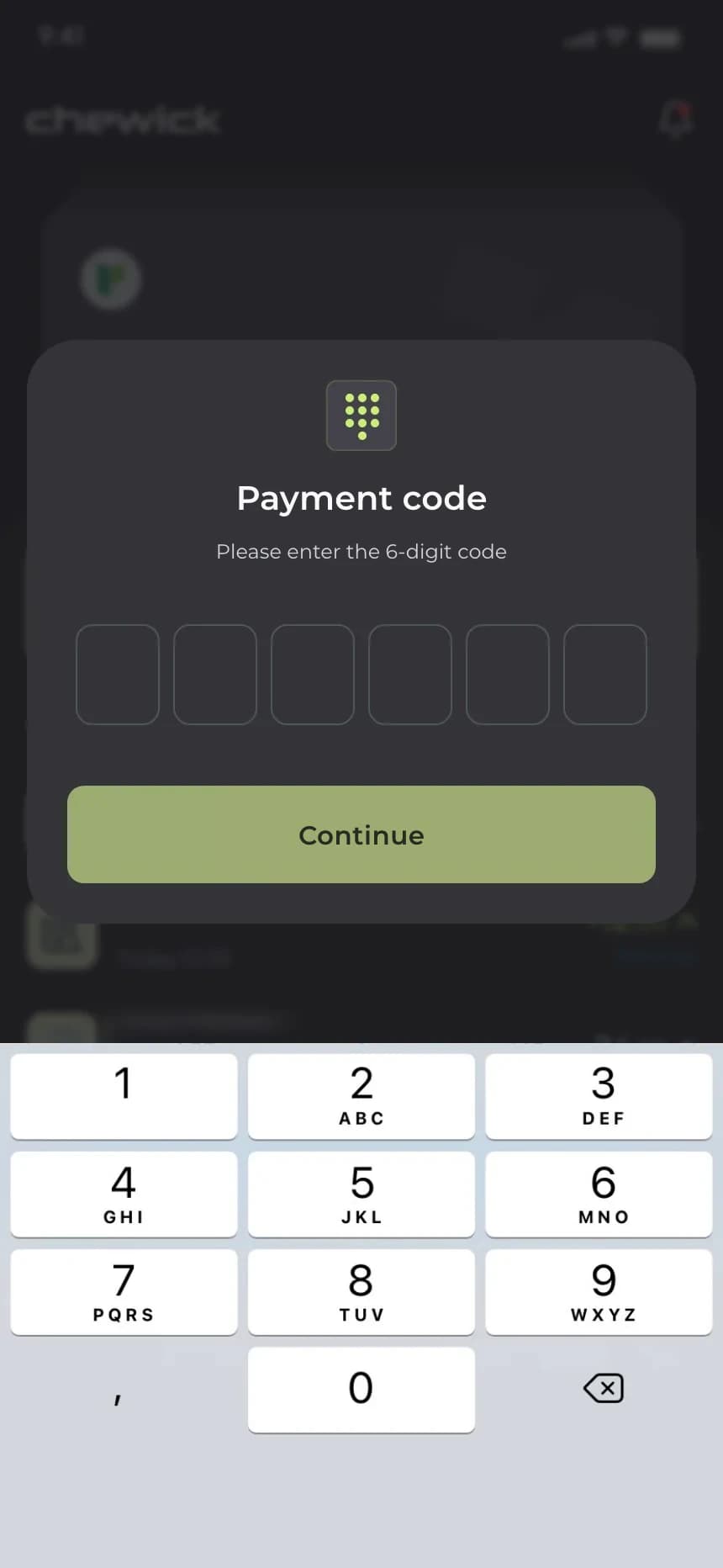
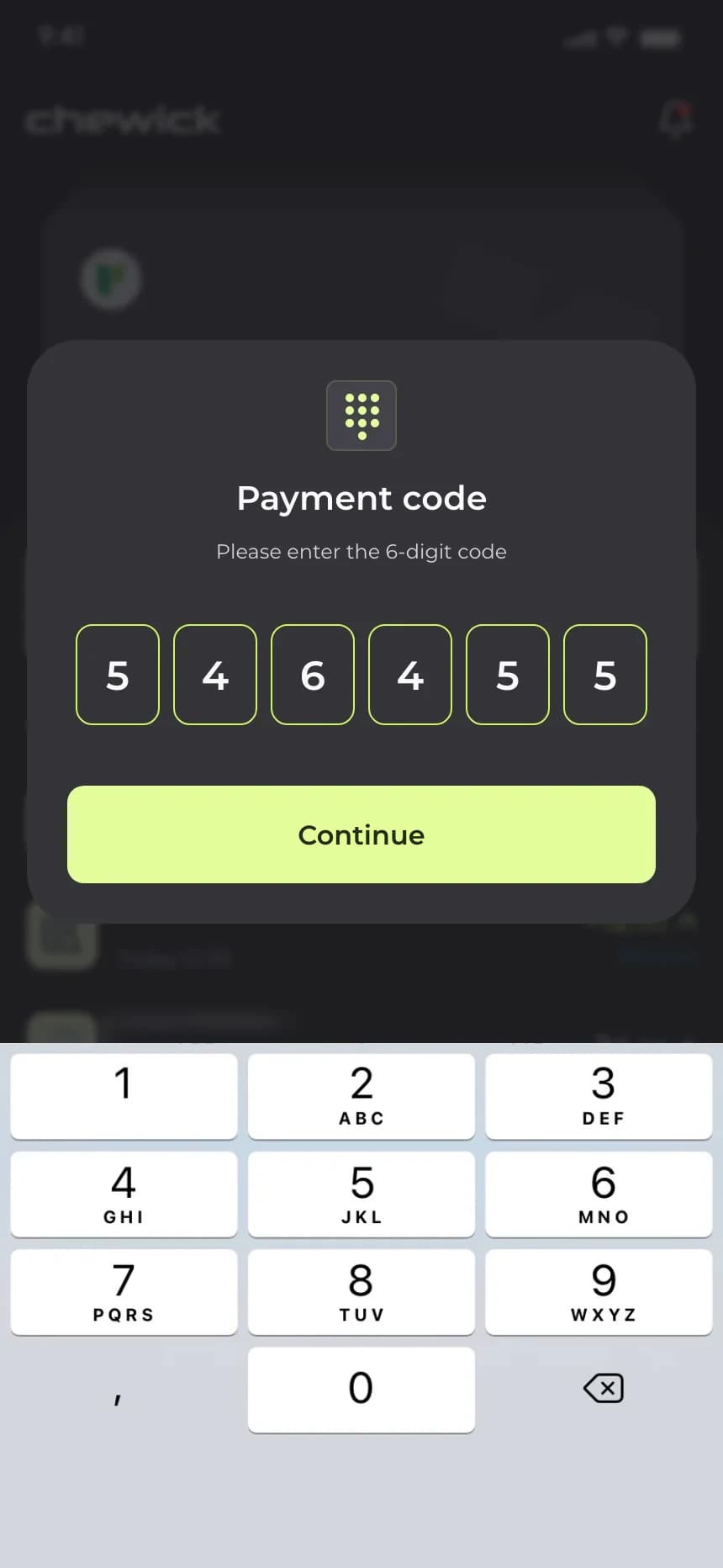
As a QR, a 6‑digit code, a link, or straight to your customer ID.
QRPayment code546455Payment linkpaylink.chewick.com/p/7f3k2qIt reaches you
A notification, a message, or a code you type in.
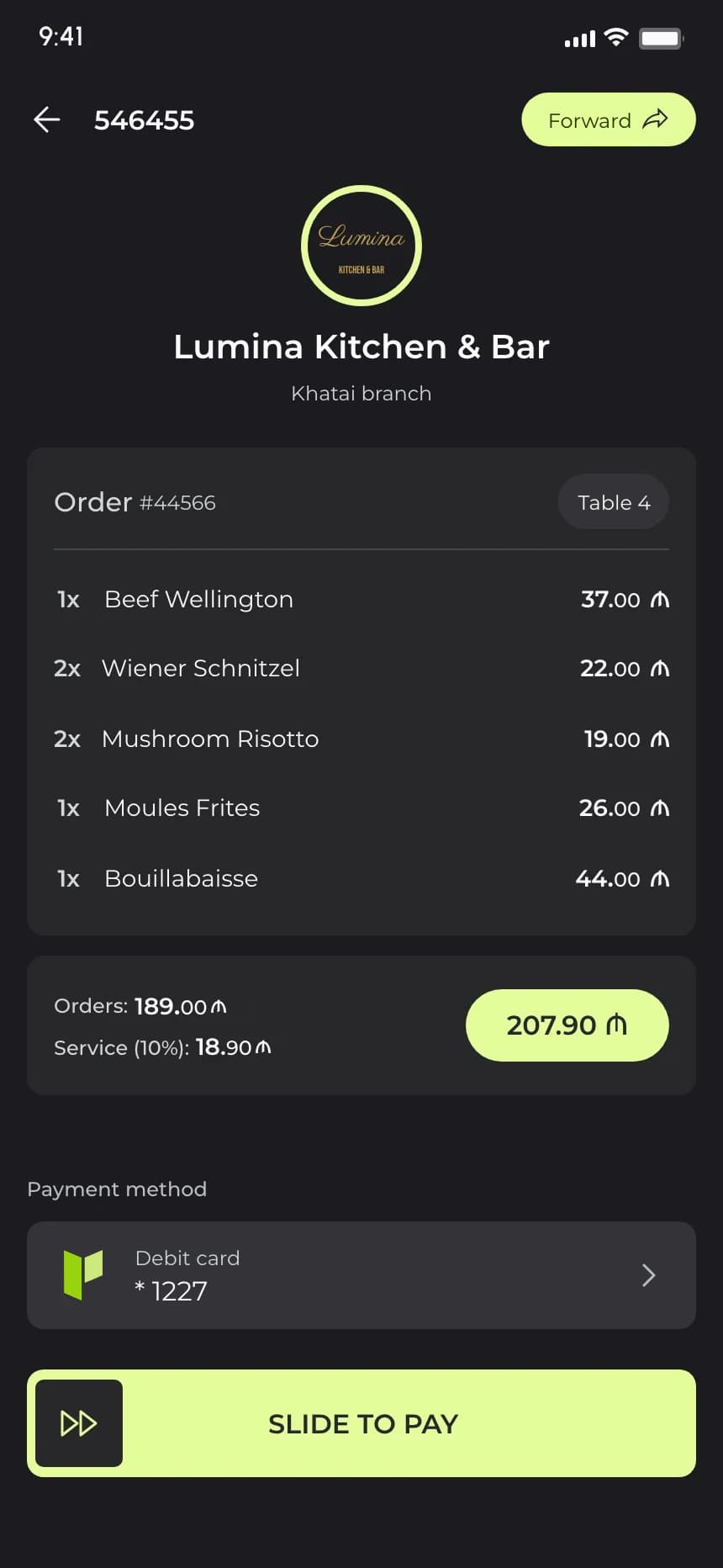
You read and confirm
Items, total, card. Slide to pay.
Both sides see it paid
Your receipt in the app. Paid in the business portal.
Merchant PortalHeadphones (2 pcs.)₼ 129.98Paid
Three ways a payment reaches you
As a notification
A business enters your customer ID and the payment arrives in your Chewick. You open it and confirm.
Forwarded by someone
Another Chewick user sends you an open payment by number or ID. You complete or reject it. They get the result.
As a link
A Paylink in a chat or an email opens the payment details. Pay with Chewick, or with a card, Apple Pay or Google Pay on the page.
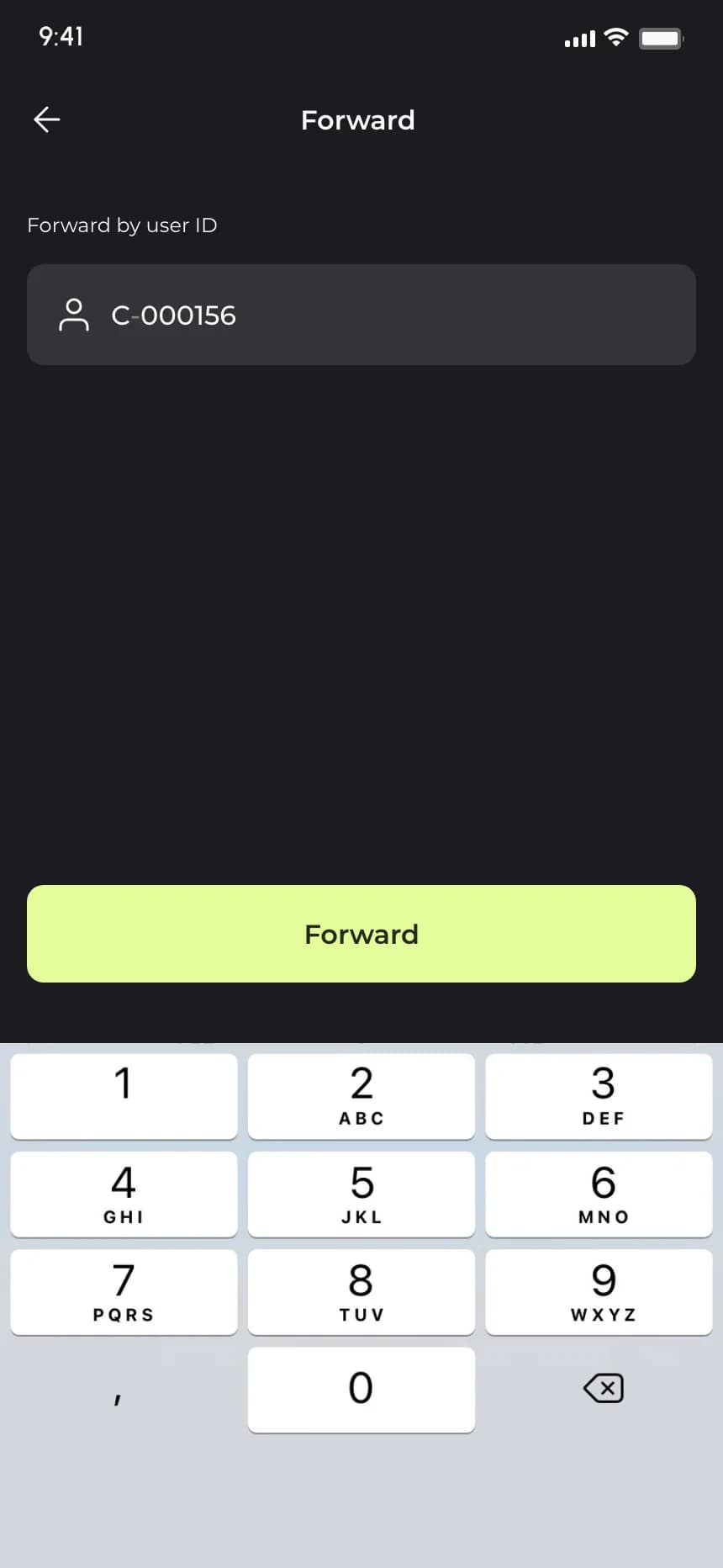
Let someone else pay
Forward an open payment to another Chewick user by number or ID. They confirm it in their own app and you get the result.