Cashier
A checkout screen for the counter. Add the items, create the payment, show the QR and the code.
One order, four moments
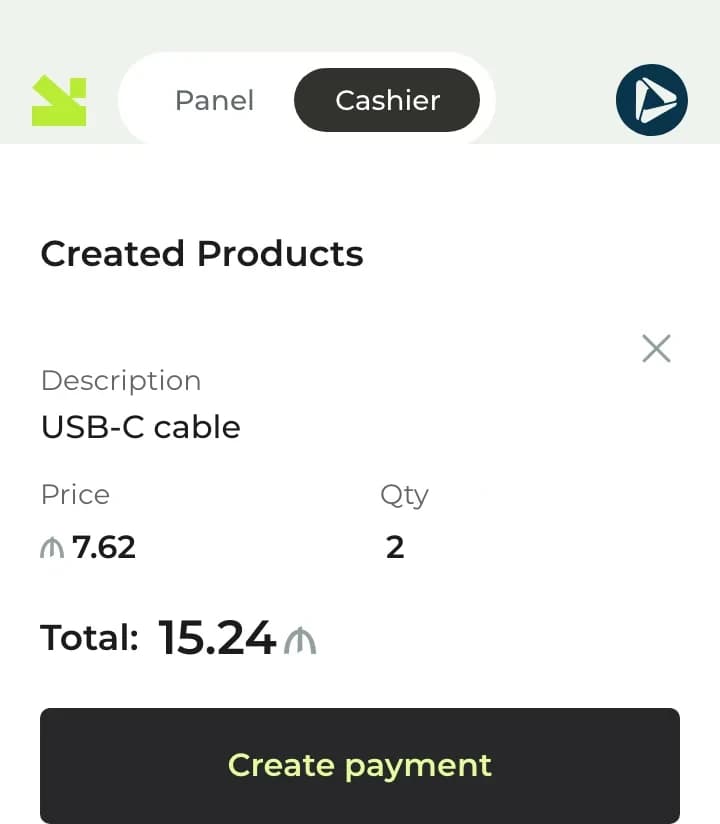
Add items
Description, price and quantity. The total updates as you go.
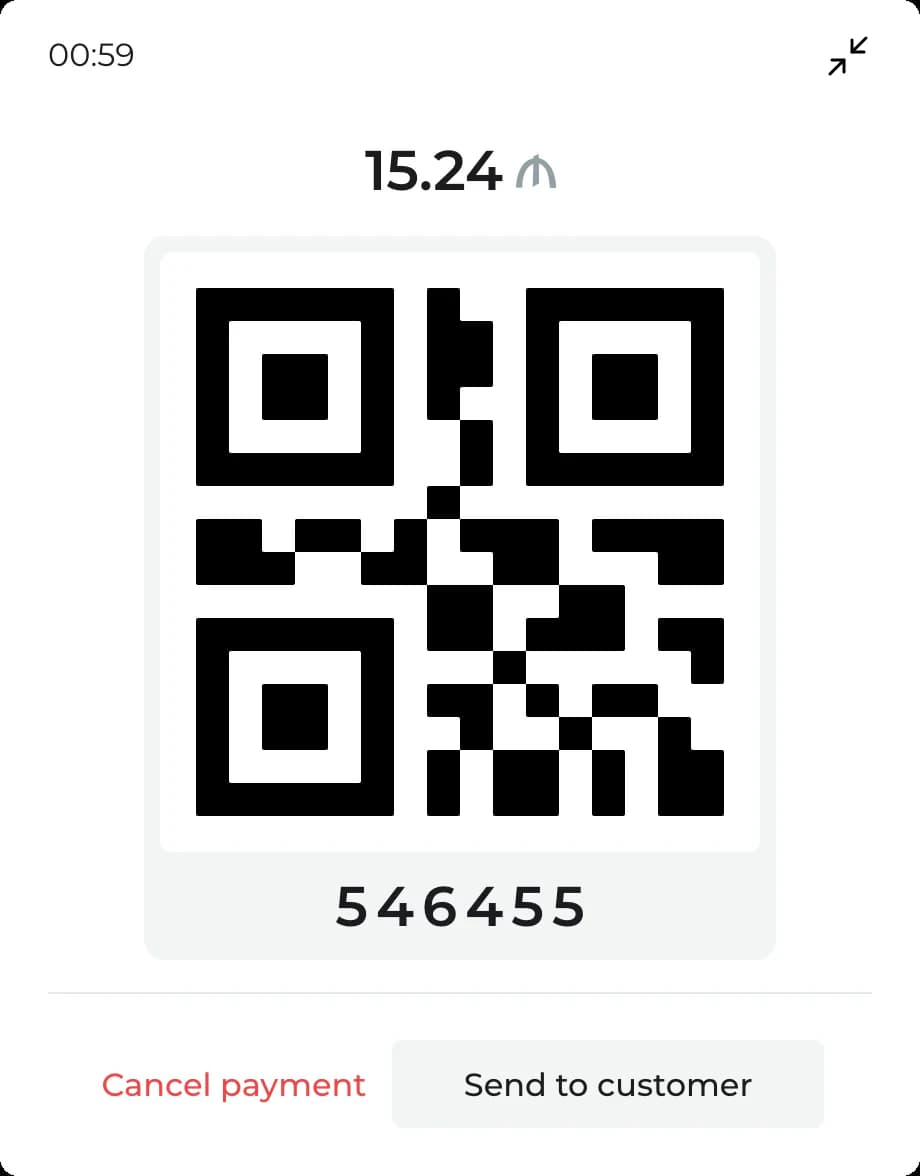
Create payment
A QR, a 6‑digit code and a timer appear on the screen.
Customer pays
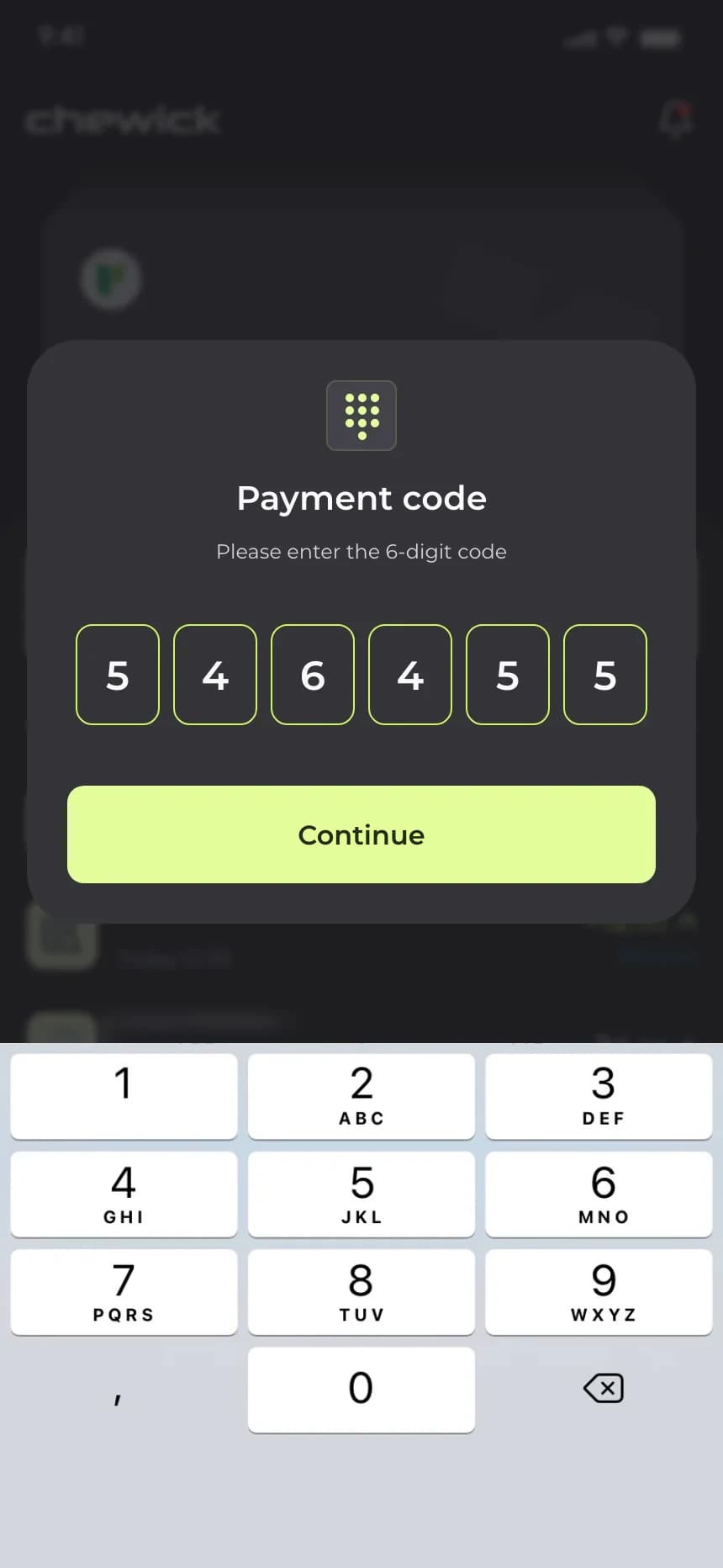
They scan, enter the code or receive it as a notification.
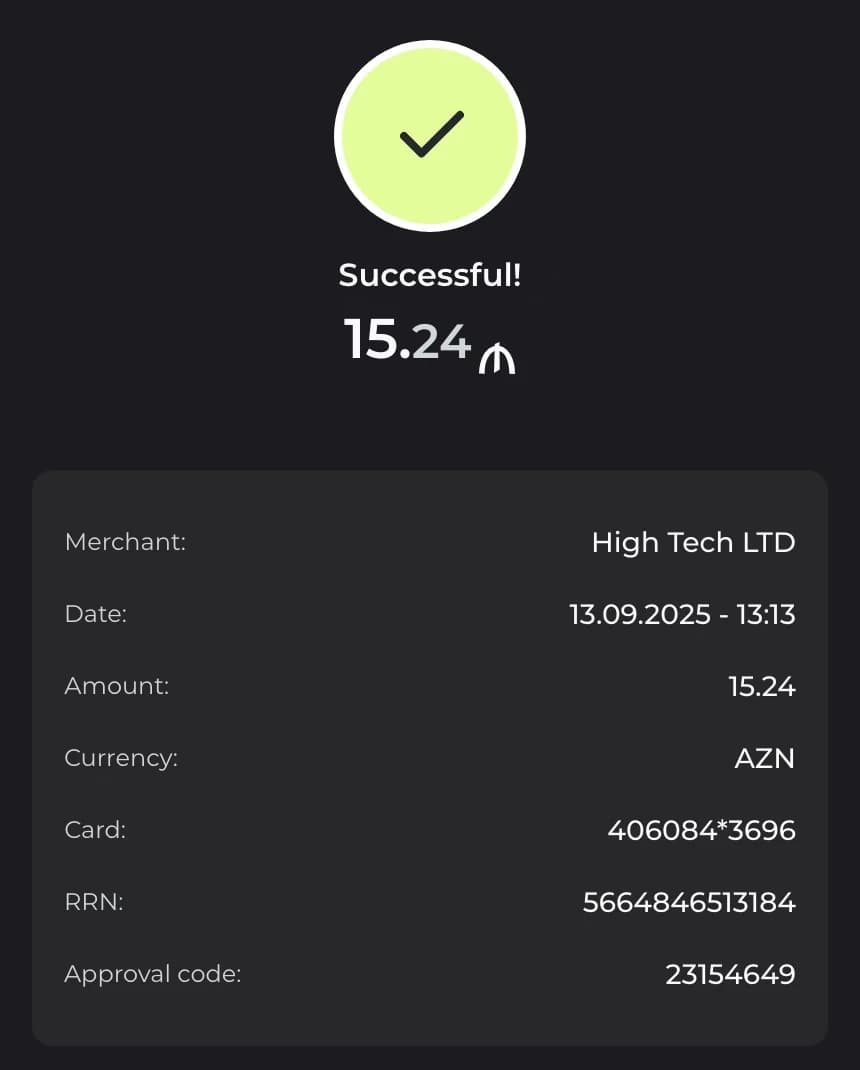
Receipt
Date, card ending, RRN and approval code, on screen and downloadable.
Built for the counter
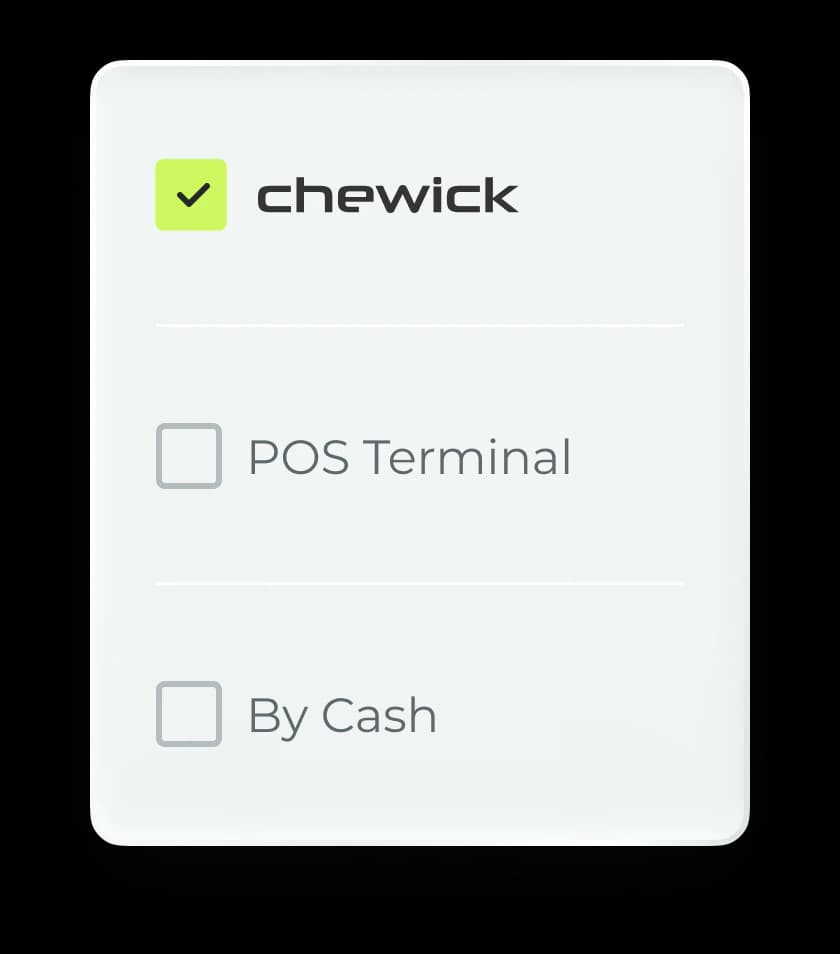
No hardware
Runs in the browser on any device you already have.
Send to the client
Enter the customer ID and the payment arrives as a notification in their Chewick.
Cancel before payment
An unpaid order can be cancelled while the timer runs.
Cashier role
Cashiers see only the Cashier section. Admins see everything.