Merchant Portal
The management screen for your business: balance, payments, history and reports. With roles for the people who use it.
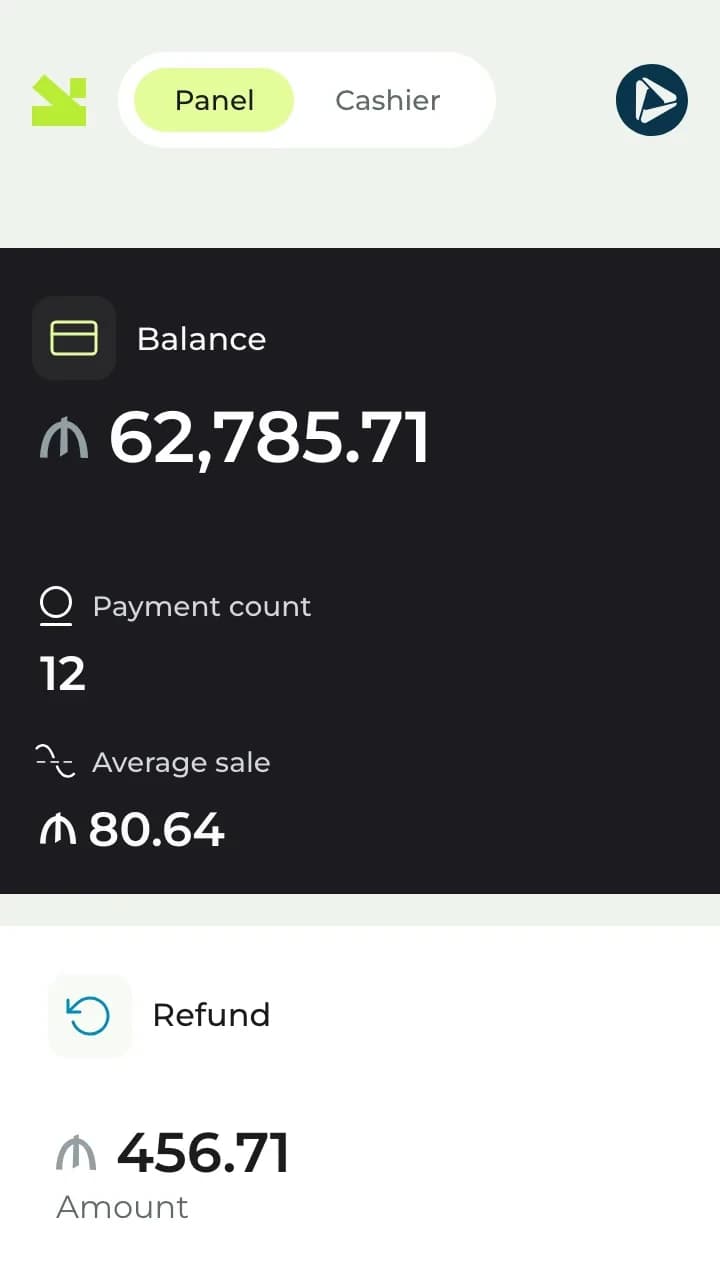
One account, three roles
The role decides which sections a person sees and which operations they can run.
- AdminSees: The main management and control sections, including links and the cashierDoes: Manages the account and creates links
- PaylinkSees: The balance and the links sectionDoes: Creates payment links. Cannot open the Cashier section
- CashierSees: The Cashier section onlyDoes: Creates orders and counter payments
The panel, at a glance
Admins and owners see the general payment indicators and the sales dynamics.

Balance and payment count
What has been collected and how many payments it took.
Average sale
The average amount per payment for the period.
Reverse amount and count
Reversed payments, separately.
Success rate, expired, cancelled
How many payments completed, expired unpaid or were cancelled.
Payments chart
Daily or monthly, for the current year.
History, payouts and reports
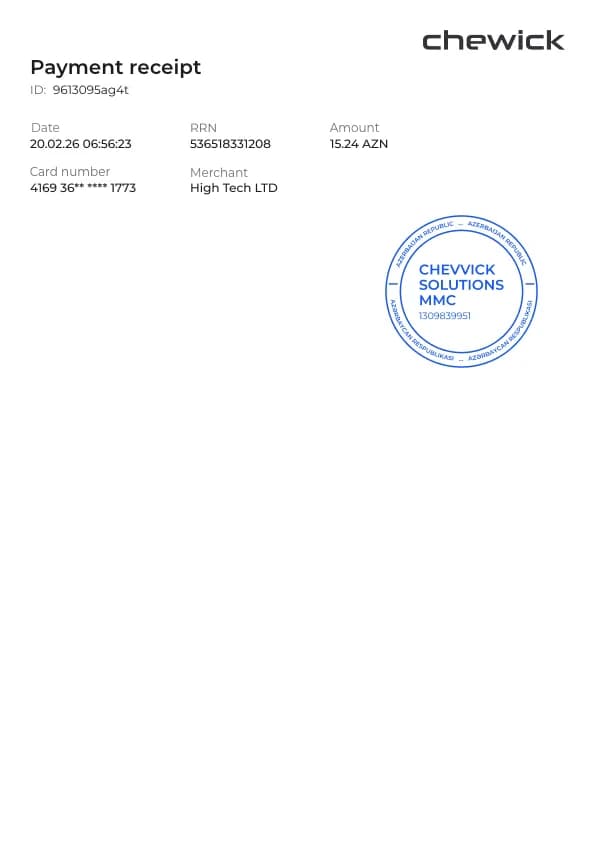
Search and review every transaction
Date, description, amount and status in the list. Details on click.
RRN, fee, masked card and customer
The reference number, the fee for the payment, the card ending and the payer.
Reverse from the row
Send a refund request to the payment provider without leaving the list.
Download the receipt
A receipt for any payment, on demand.
Monthly PDF reports
One file per month, ready for accounting.