One dashboard for every payment channel
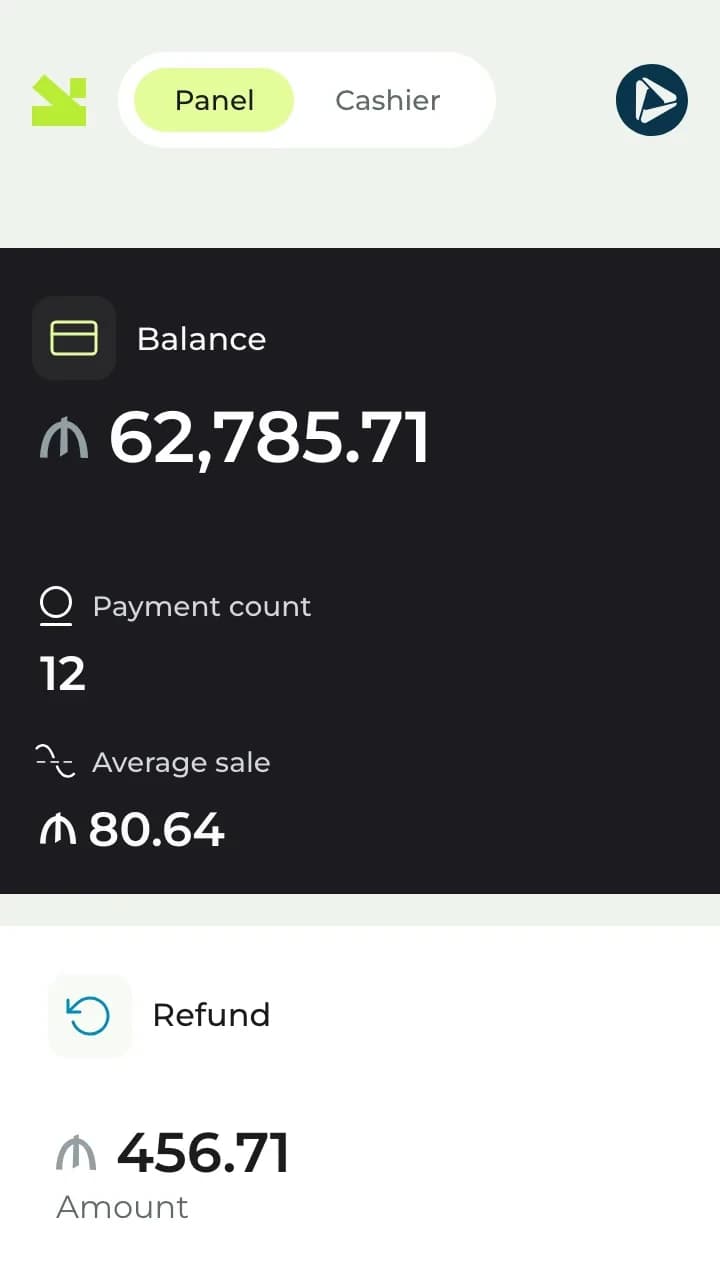
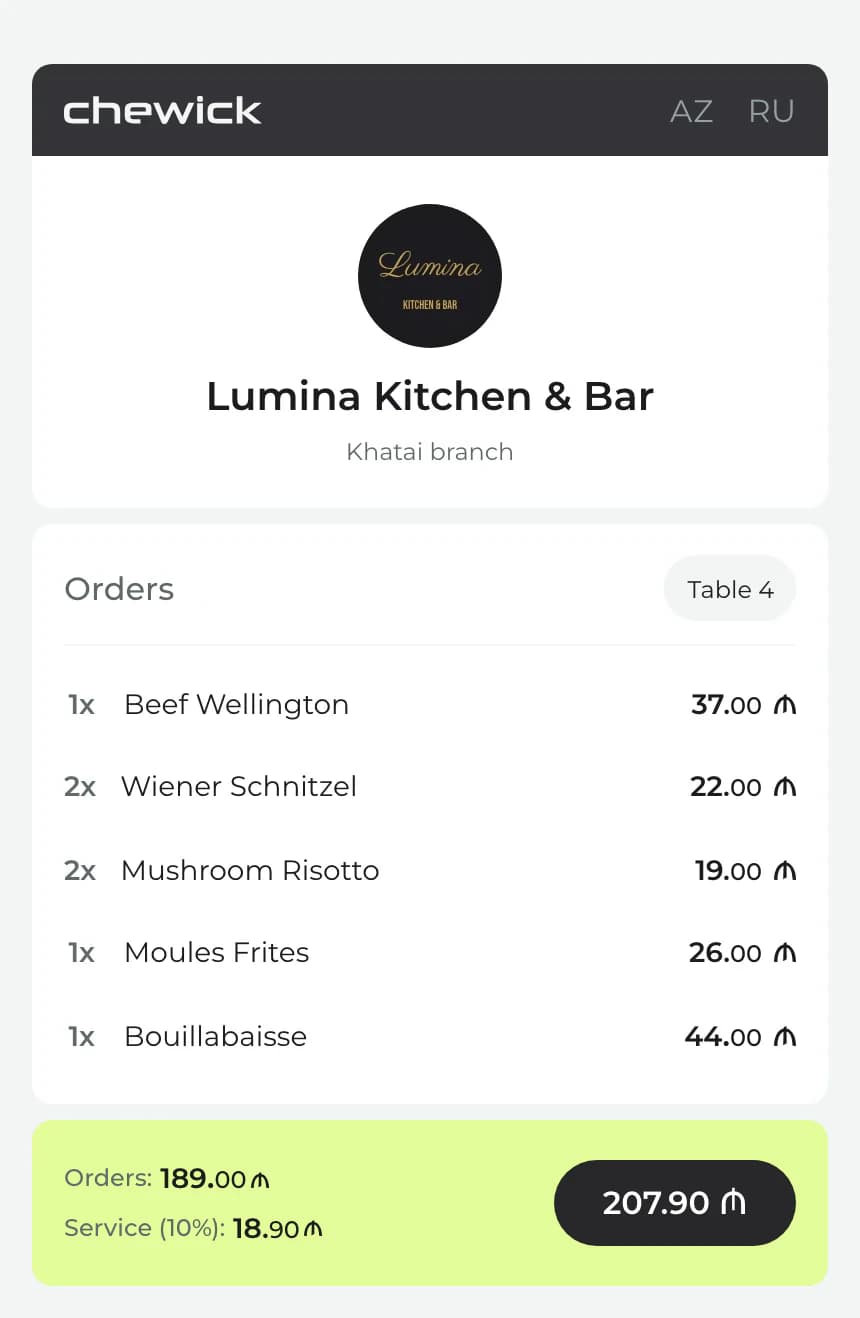
Regardless of how a payment is created, every transaction is centralized in the same Merchant Portal history.
3 flexible ways to accept payments
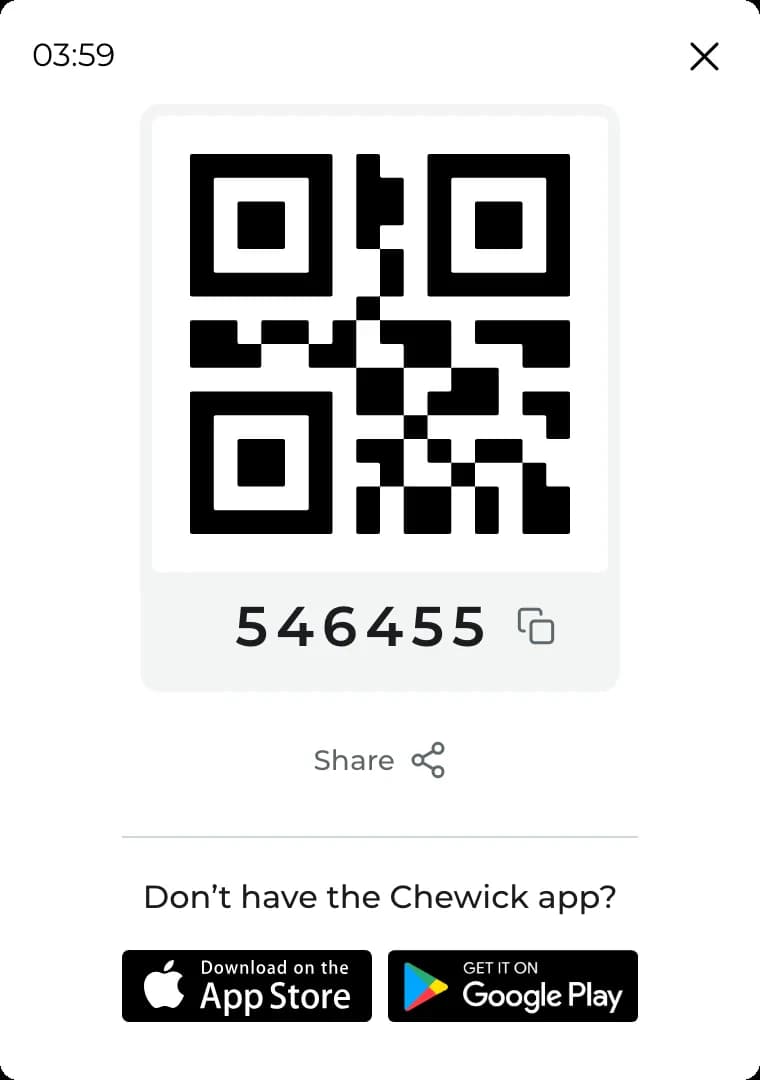
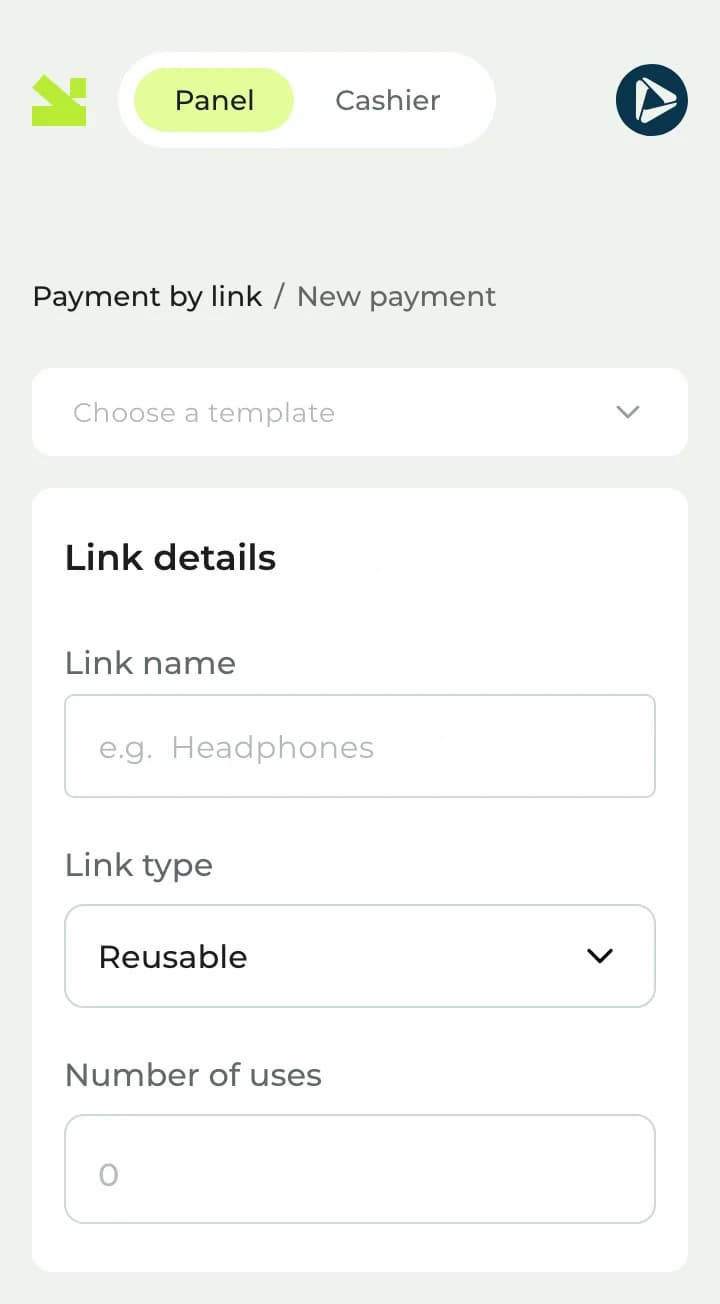
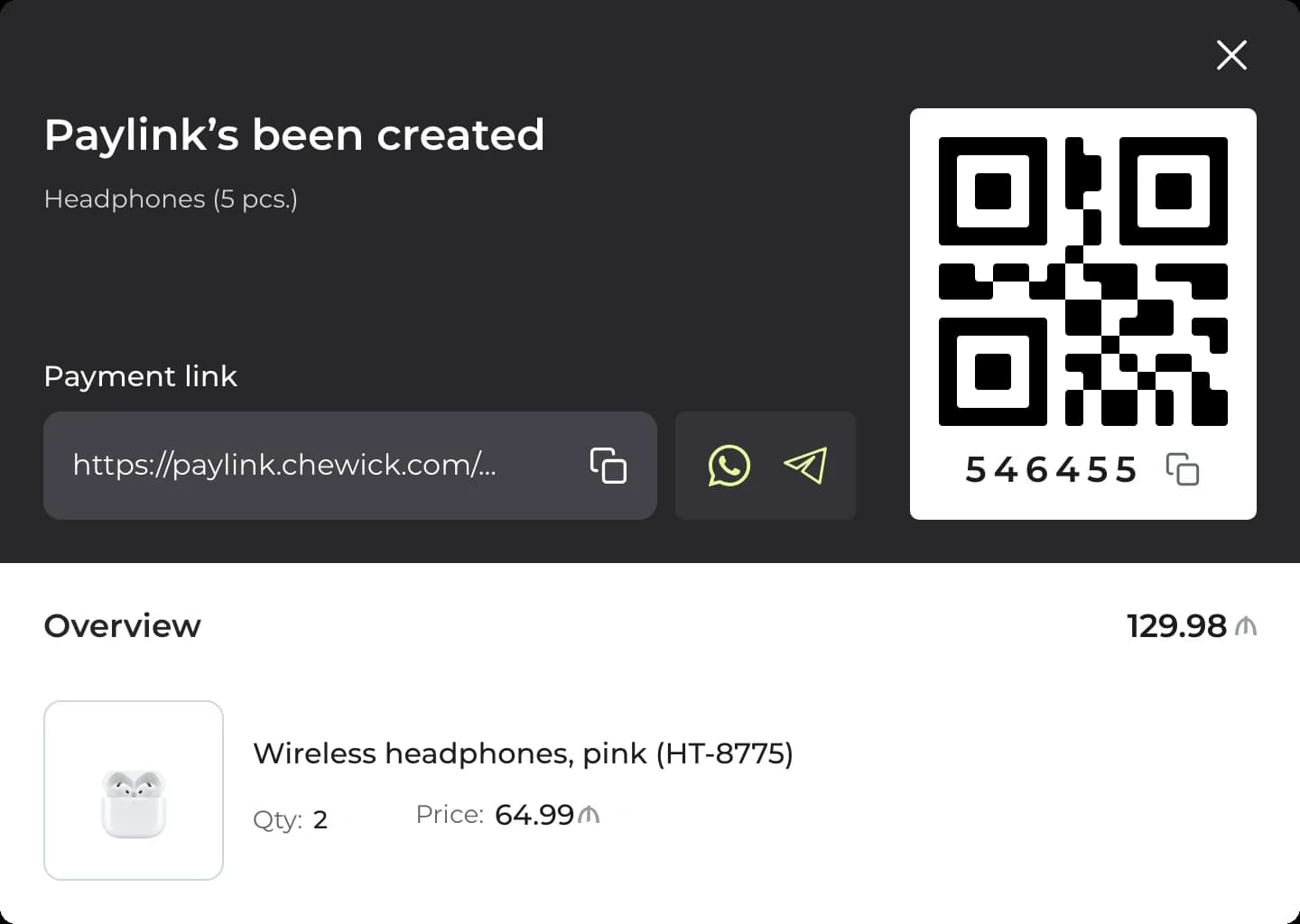 Remote ordersPaylinkCreate a payment link with a QR and a 6‑digit code. Send it wherever the conversation is.Learn more: Paylink
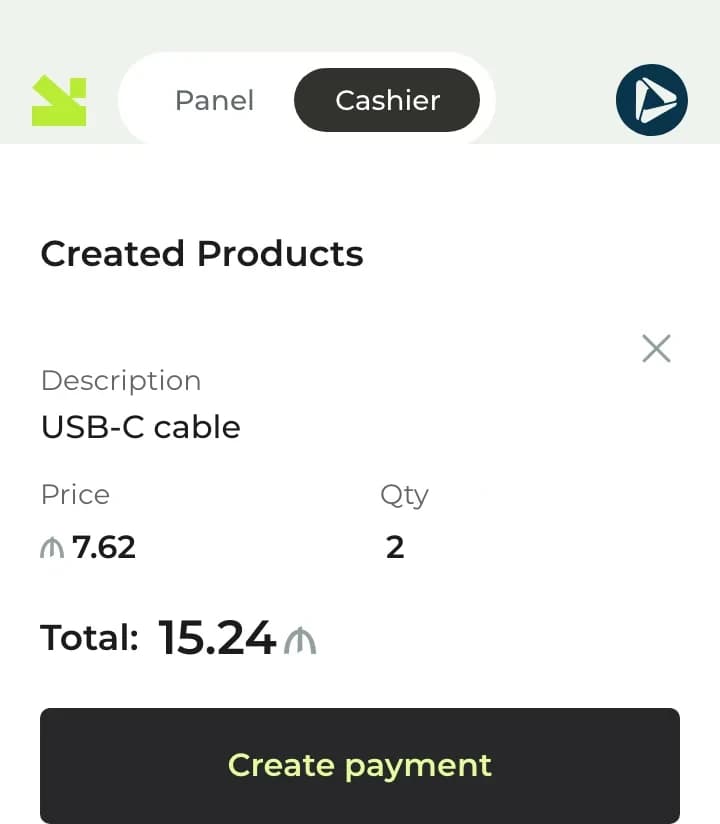
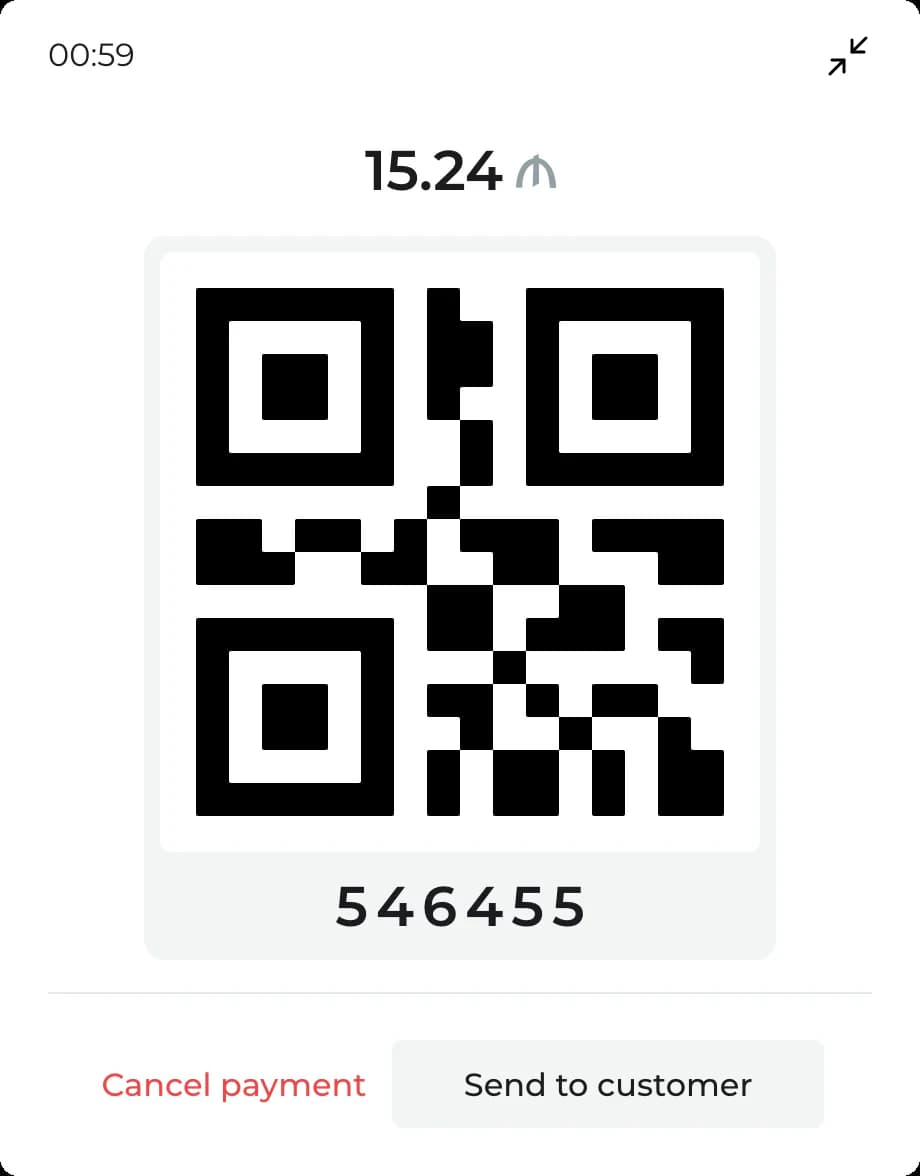 At the counterCashierA checkout screen for the counter. Add the items, create the payment, show the QR and the code.Learn more: Cashier
 OnlineCheckoutA payment page for your website or app. Your customer chooses Chewick, a bank card, Apple Pay or Google Pay.Learn more: Checkout
How does the system work?
Get a consultation
We confirm your business type and activate your Merchant Portal account with a licensed payment provider.
Get portal access
Easily configure Admin, Paylink and Cashier permissions.
Start accepting payments
Accept payments by link, QR and code from day one. After integrating your website, use the Checkout solution.
Complete security for your business
- Your customers' card details never enter your business servers and are processed directly by a licensed partner.
- Every payment carries the payer's confirmation, an RRN and an approval code.
- Refund requests go from the portal to the payment provider.
- Monthly PDF reports for your accounting.