Online and social selling
Sell from Instagram or WhatsApp with a link
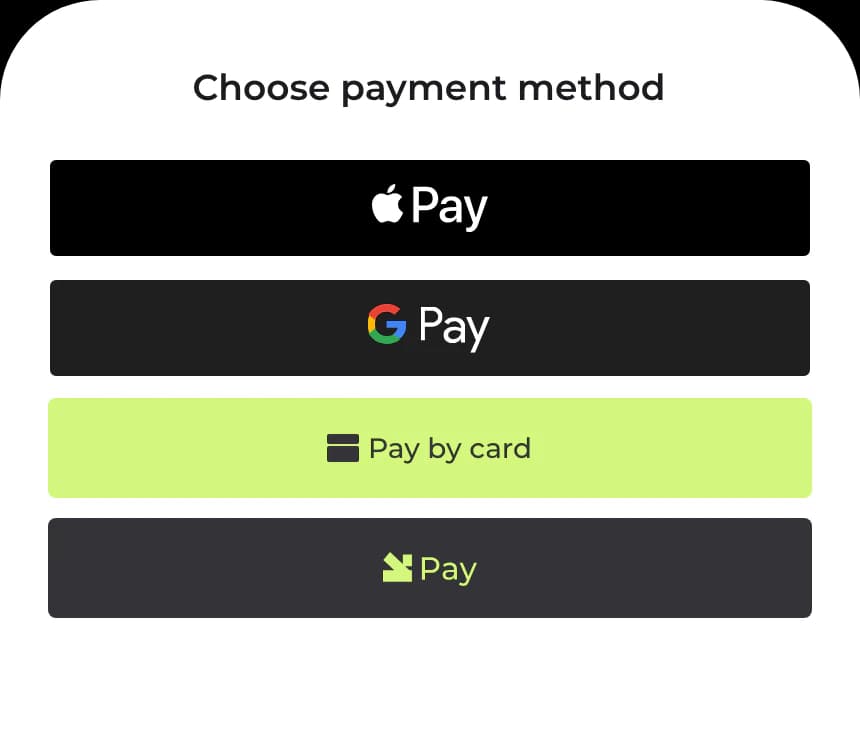
Create a Paylink, drop it in the chat. The customer pays with Chewick, a card, Apple Pay or Google Pay.
HTHigh Tech LTD
Hi, are the headphones still available?
Yes! Here is the link for two pairs.
Headphones (2 pcs.)₼ 129.98paylink.chewick.com/p/7f3k2q
Paid
Done, paid. Thanks!
From the chat to paid
Create the link
Items or an amount, one-time or reusable.
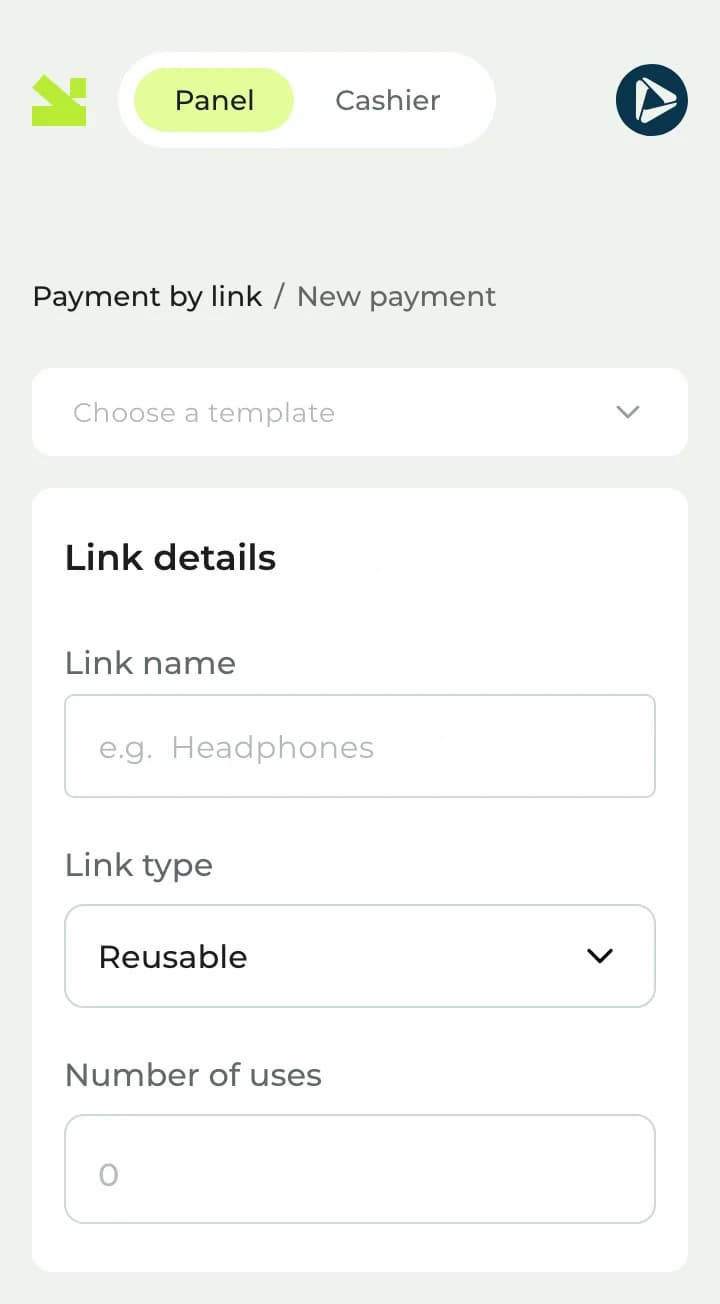
Drop it in the chat
Instagram, WhatsApp or anywhere a link can go.
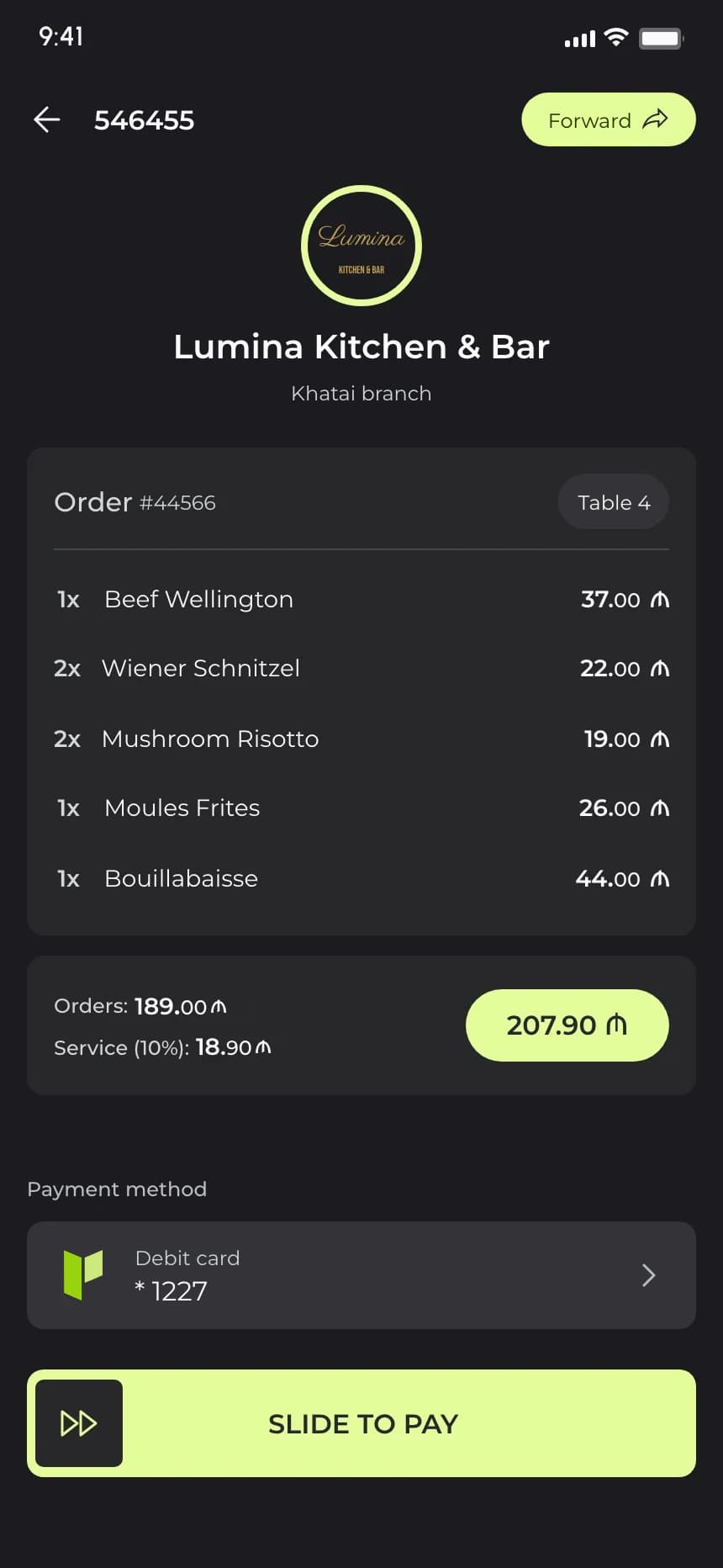
paylink.chewick.com/p/7f3k2qThe customer pays their way
In the Chewick app, or with a card, Apple Pay or Google Pay.
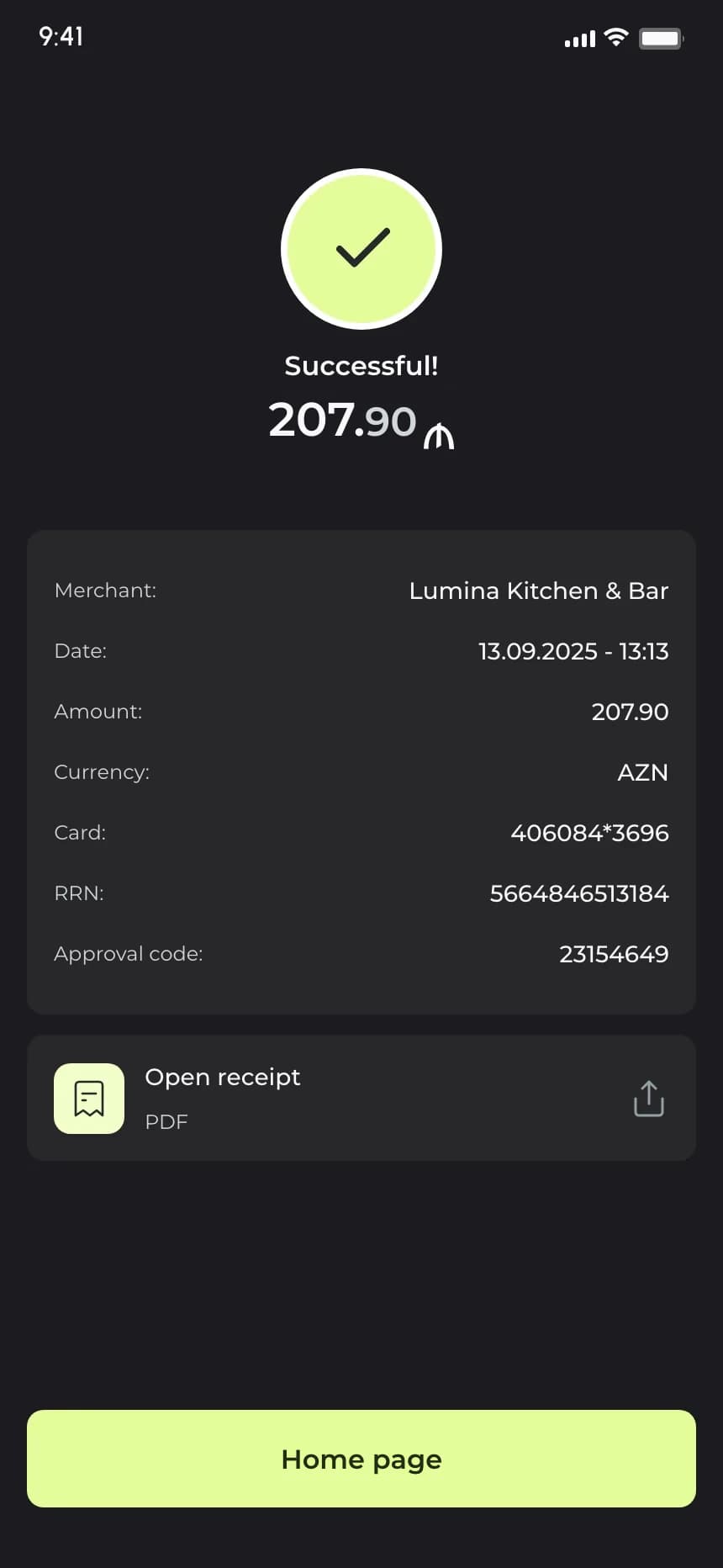
Paid, in your history
The order shows as paid in the Merchant Portal, next to your website orders.
Made for selling in conversations
One-time or reusable links
One link per order, or one link for a product you sell every day.
Templates for repeat products
Save the content once. Create the next link in a click.
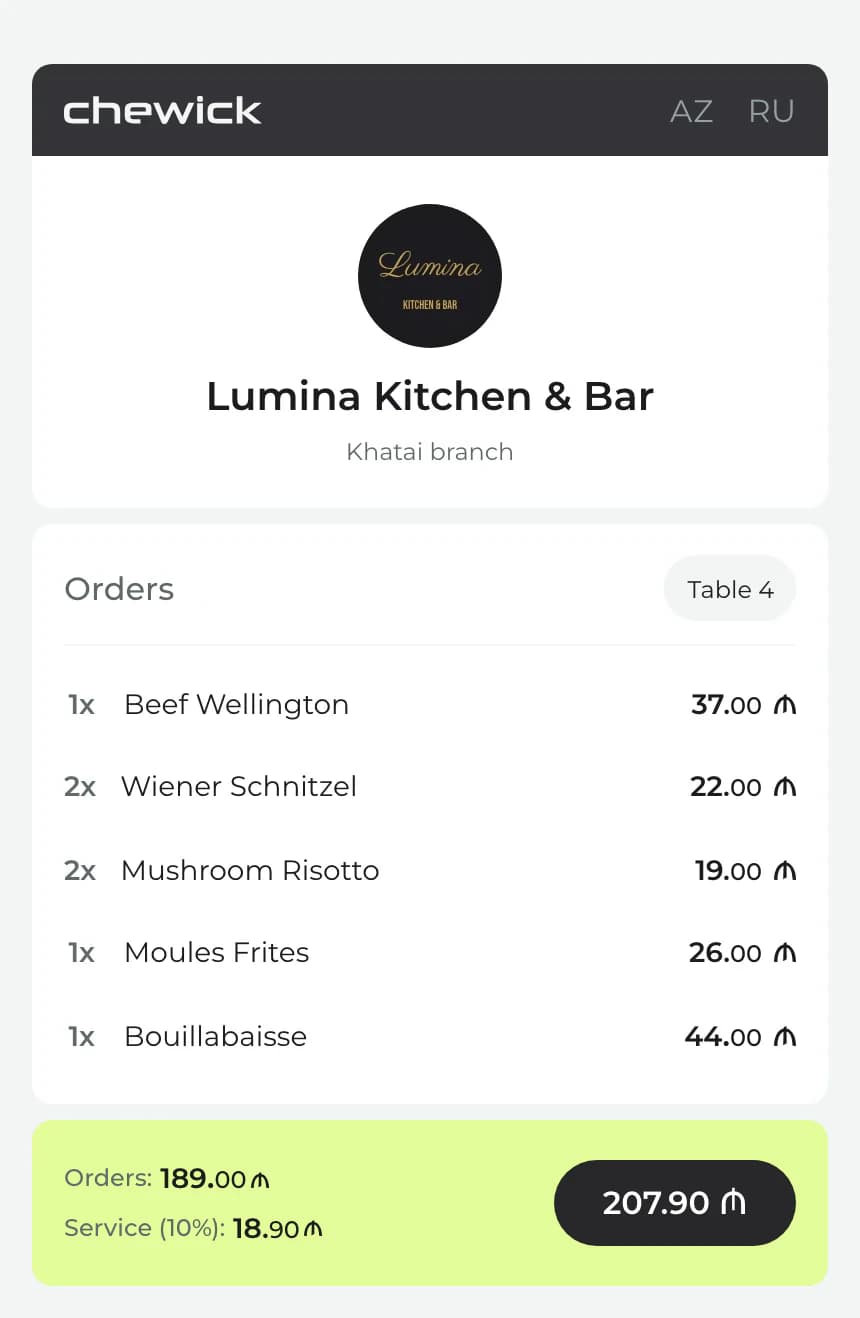
The customer does not need the app
The link opens a checkout page with card, Apple Pay and Google Pay too.
Every order in one history
Instagram, WhatsApp and website orders in the same Merchant Portal list.