Retail stores
A counter without a terminal
Cashier runs in a browser. Add the items, show the QR and the code, hand over a receipt.
Payment code
546455
Valid for02:48
A sale at the counter
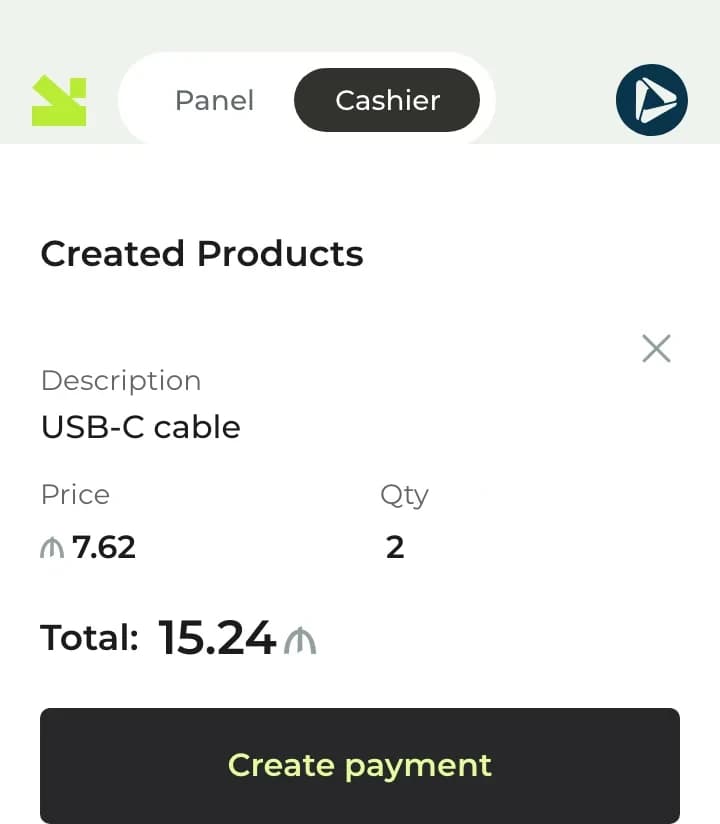
Add the items
Pick the products you sell from your list in Cashier.
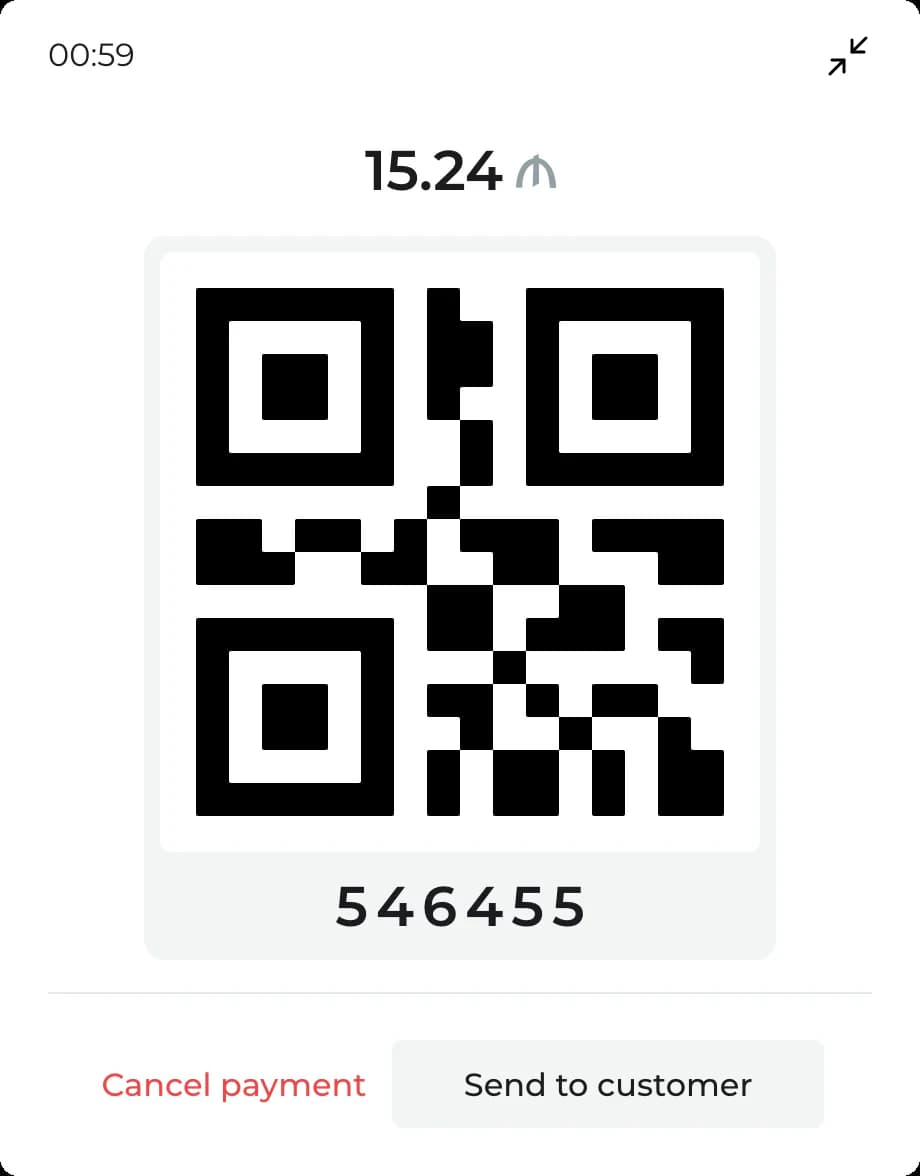
Show the QR and the code
On the screen you already have. The timer starts.
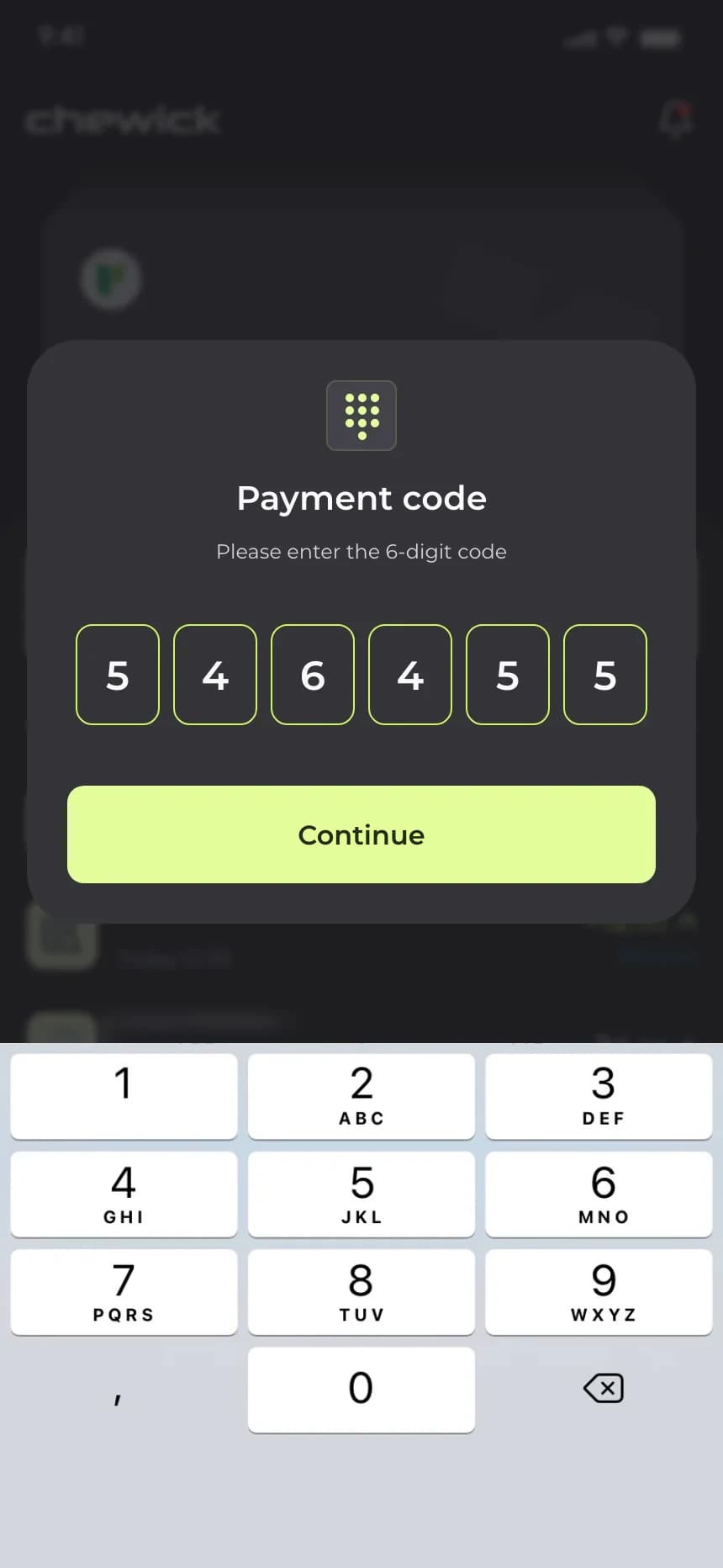
The customer pays in the app
They scan the QR or type the code, check the items and confirm.
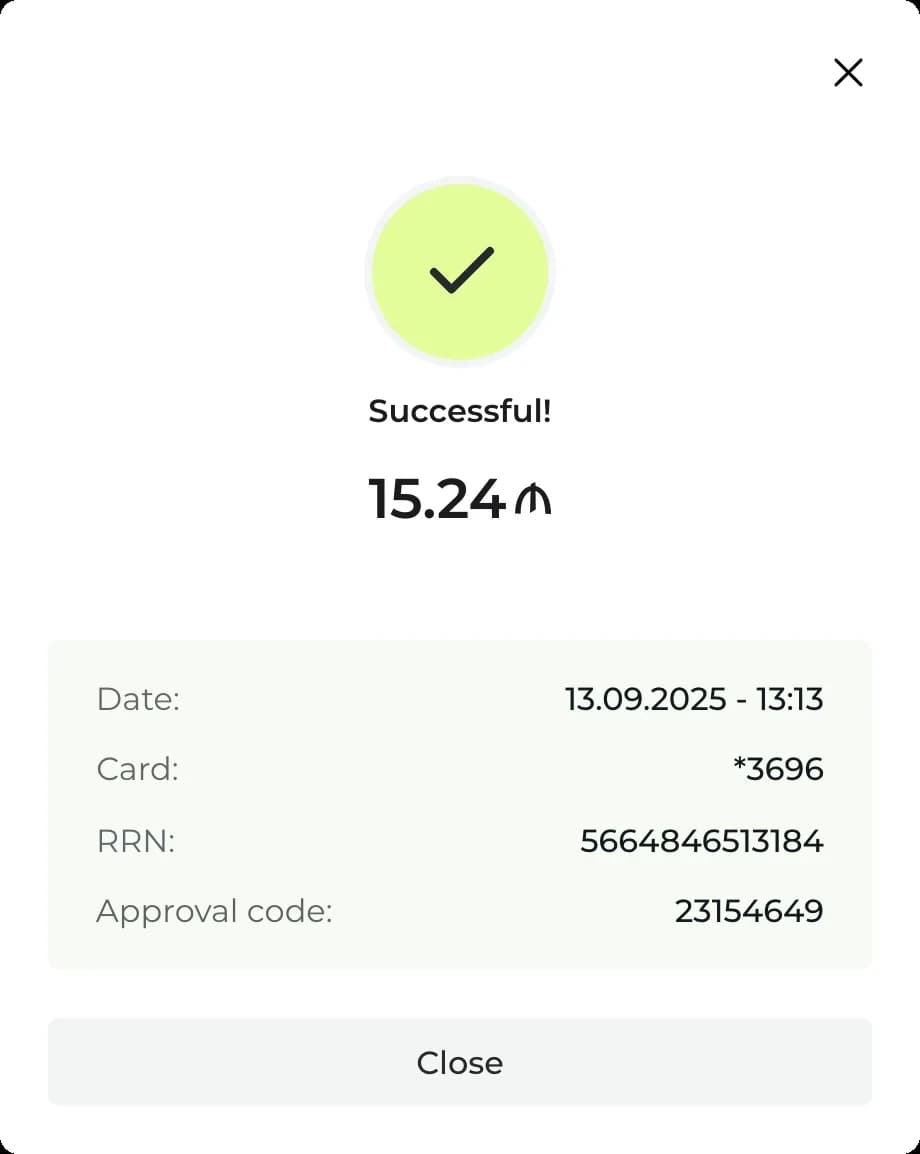
Paid, on your screen
The receipt carries the RRN and the approval code.
What changes at the counter
Any device with a browser
A tablet, a laptop or the phone you already have.
A timer on every payment
The QR and the code stay valid while the timer runs. Cancel if the customer changes their mind.
Send it to the customer
For regulars: their customer ID, and the payment arrives as a notification.
Roles for staff
Cashiers only see the Cashier section. Owners see the whole portal.